- 57 -
3 Cables.
Yellow (H) Video RCA for connection to the LCD or DVD players Video Input connection. This is the connection which will
display the image being captured by the camera which is currently being aligned.
Red (I) Audio RCA not used for video alignment.
A four pin male connector which connects the video input on the rear of the 304-SD
Single Cable.
The single cable coming from the other end of the Video Alignment Cable is a 4 pin female connector which connects to the
harness of an installed camera.
Once these connections are made, alignment of the camera can be completed.
304-SD Quick Install Guide.
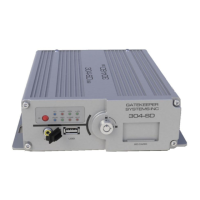
The 304-SD must be secured to an interior surface of the vehicle with the Tek Screws provided.
Do Not orient the 304-SD such that the SD Door faces the floor of the vehicle.
Wire the 304-SD into the vehicle as per the table below.
Do No disassemble the 304-SD. There are no user serviceable parts inside.
Quick Configuration Guide.
The 304-SD firmware must be configured before using the DVR. Connect a monitor to the RCA Video Out port on the front of
the 304-SD. Press the Setup key on the IR Remote Control. Enter the following login information when prompted:
User ID: 31127
Password: 20020818
Move the cursor to the Quick Configuration icon and press Enter.
There are Eight Quick Configuration Options. Configure as per customer requirements.
After setting the configuration format the SD Card.


 To Next Page