7
Preparing your work space
www.gateway.com
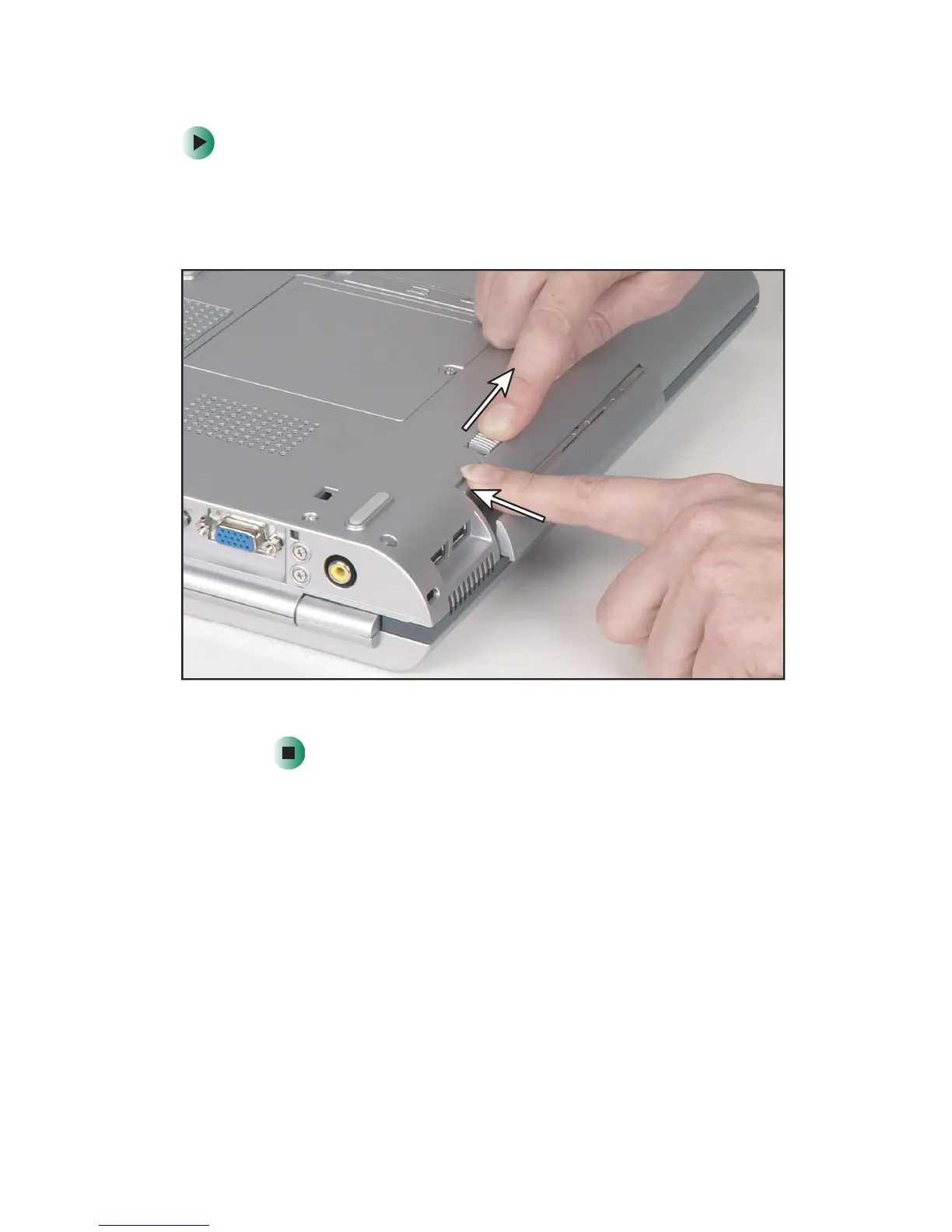
To remove the secondary battery:
1 Turn your notebook over so that the bottom is facing up.
2 Slide and hold the bay module latch and press the bay module
release button. The secondary battery moves out slightly.
3 Slide the secondary battery out.



 To Next Page
 Loading...






