Replacing the system board 57
6
Install the following devices on the new system board:
■ Processor. (See “Replacing or adding a processor” on page 59 for
instructions.)
■ DIMMs. (See “Adding or replacing memory” on page 43 for
instructions.)
■ AGP graphics card. (See “Replacing the AGP card” on page 49.)
■ Devices from the old system board that are not included with the
new board, such as processor retention brackets.
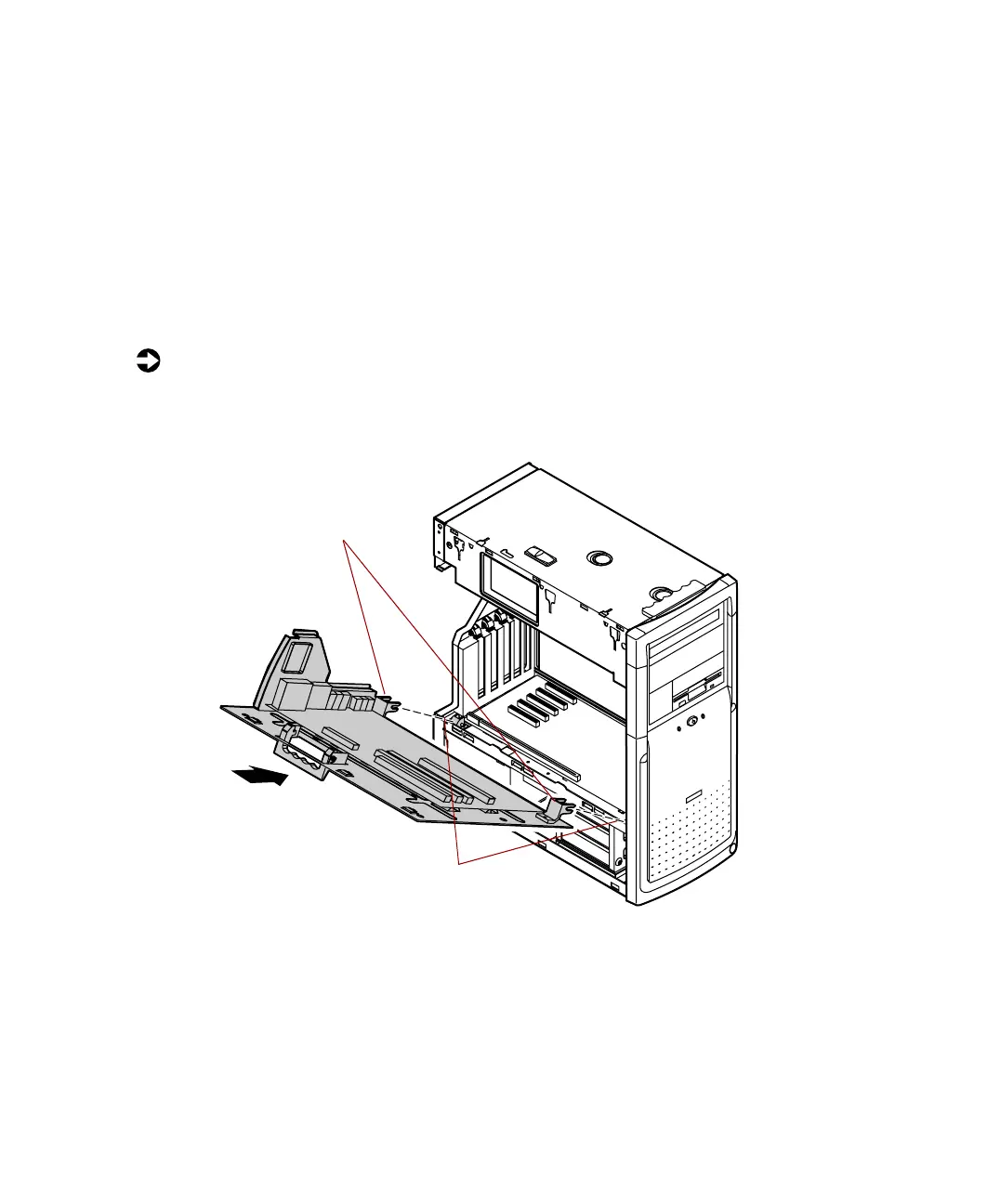
To replace the system board tray assembly:
1 Align the two hinges on the sides of the system board tray over the pins
on the chassis.
2 Move the release handle on the tray assembly to an outward position.
Hinges
Hinge pins
05957.book Page 57 Monday, May 8, 2000 10:09 AM



 To Next Page