8
Answering System Operation
This section discusses the buttons and features on the answering system.
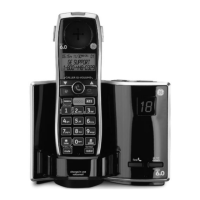
Message Indicator
The message counter gives you a numeric display of how many messages you have
and some other information of the answering system.
a) A number displayed without ashing -- No new messages. The number is the
total number of old messages.
b) A ashing number displayed -- There are new messages. The number is the total
number of old and new messages.
c) Two bars - - display steadily -- Answerer is off.
d) “F” ashing on the display -- Memory is full.
e) CL ashing on the display -- Clock is not set since power up or after power
failure.
f ) Six horizontal bars ashing on the display – MEMO is recording.
g) “AN” ashing on the display – The system is answering an incoming call and
recording an incoming call.
h) “LA” displays steadily -- The answering system is being accessed remotely.
i) “SP” displays steadily -- Base speaker is turned on.
NOTE: While the messages are playing, the message counter will
display the messages in the order they were received.
NOTE: The maximum recording time for each message is 2 minutes.


 To Next Page