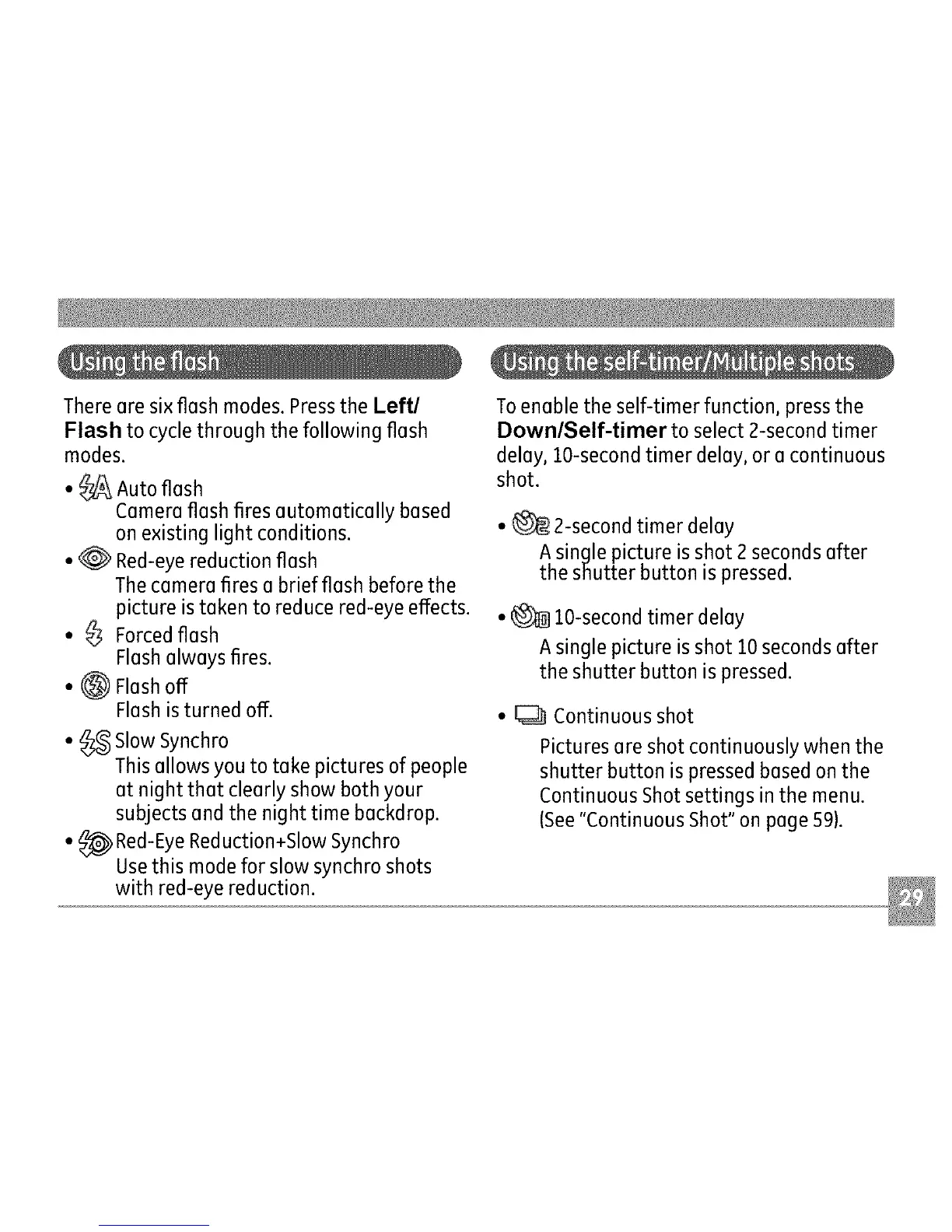
Therearesixfleshmodes.PresstheLeft/
Flashtocyclethroughthefollowingflesh
modes.
•_ Autoflesh
Camerafleshfiresautomaticallybased
onexistinglightconditions.
•_ Red-eyereductionflesh
Thecamerafiresabriefflashbeforethe
pictureistakentoreducered-eyeeffects.
• _ Forcedflash
Flashalwaysfires.
• 0 Flashoff
Flashisturnedoff.
• _ SlowSynchro
Thisallowsyou to take pictures of people
at night that clearly show both your
subjects and the night time backdrop.
• _ Red-EyeReduction+Slow Synchro
Usethis mode for slow synchro shots
with red-eye reduction.
To enable the self-timer function, press the
Down/Self-timer to select 2-second timer
delay, lO-second timer delay, or a continuous
shot.
• _ 2-second timer delay
A single picture is shot 2 seconds after
the shutter button is pressed.
• _ lO-second timer delay
A single picture is shot 10 seconds after
the shutter button is pressed.
• _ Continuous shot
Pictures are shot continuously when the
shutter button is pressed based on the
Continuous Shot settings in the menu.
(See"Continuous Shot" on page 59).



 To Next Page