usetheLeft/Right nevigetionbuttonsto
edjustthesetting.
selecttheimegeforwhichred-eyewill be
removed.
3.UsetheUp/Downnevigetionbuttons
toselectYestofixtheselectedimege
orbacktocencelendreturntothe
Playbackmenu.
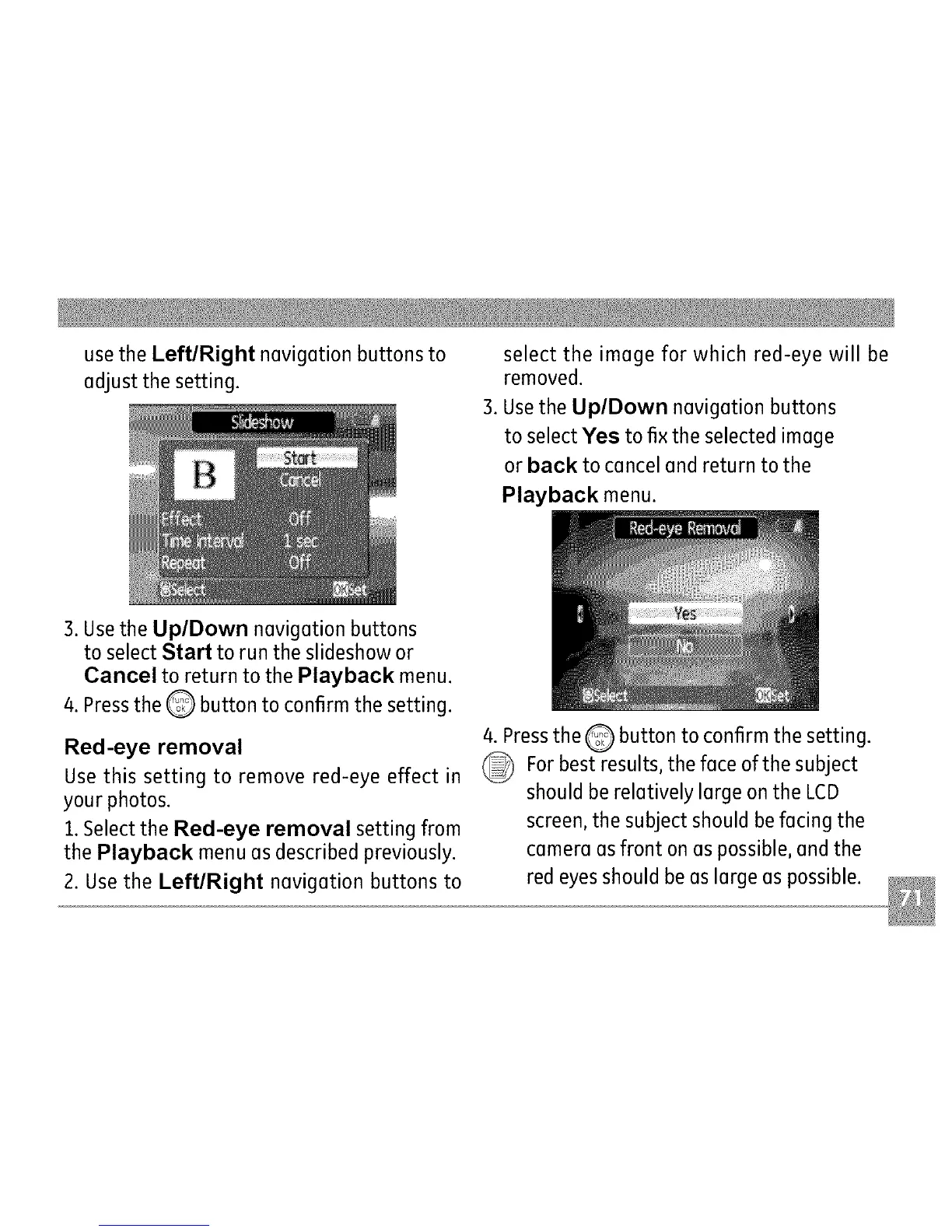
3.UsetheUp/Downnevigetionbuttons
toselectStarttoruntheslideshowor
CanceltoreturntothePlaybackmenu.
4.PresstheQ buttontoconfirmthesetting.
Red-eyeremoval
Usethissettingto removered-eyeeffectin
yourphotos.
1.SelecttheRed-eyeremovalsettingfrom
thePlaybackmenuesdescribedpreviously.
2.UsetheLeft/Right nevigetionbuttonsto
4.PresstheQ buttontoconfirmthesetting.
Forbestresults,thefeceofthesubject
shouldbereletivelylergeontheLCD
screen,thesubjectshouldbefecingthe
cemereesfrontonespossible,endthe
redeyesshouldbeeslergeespossible.



 To Next Page