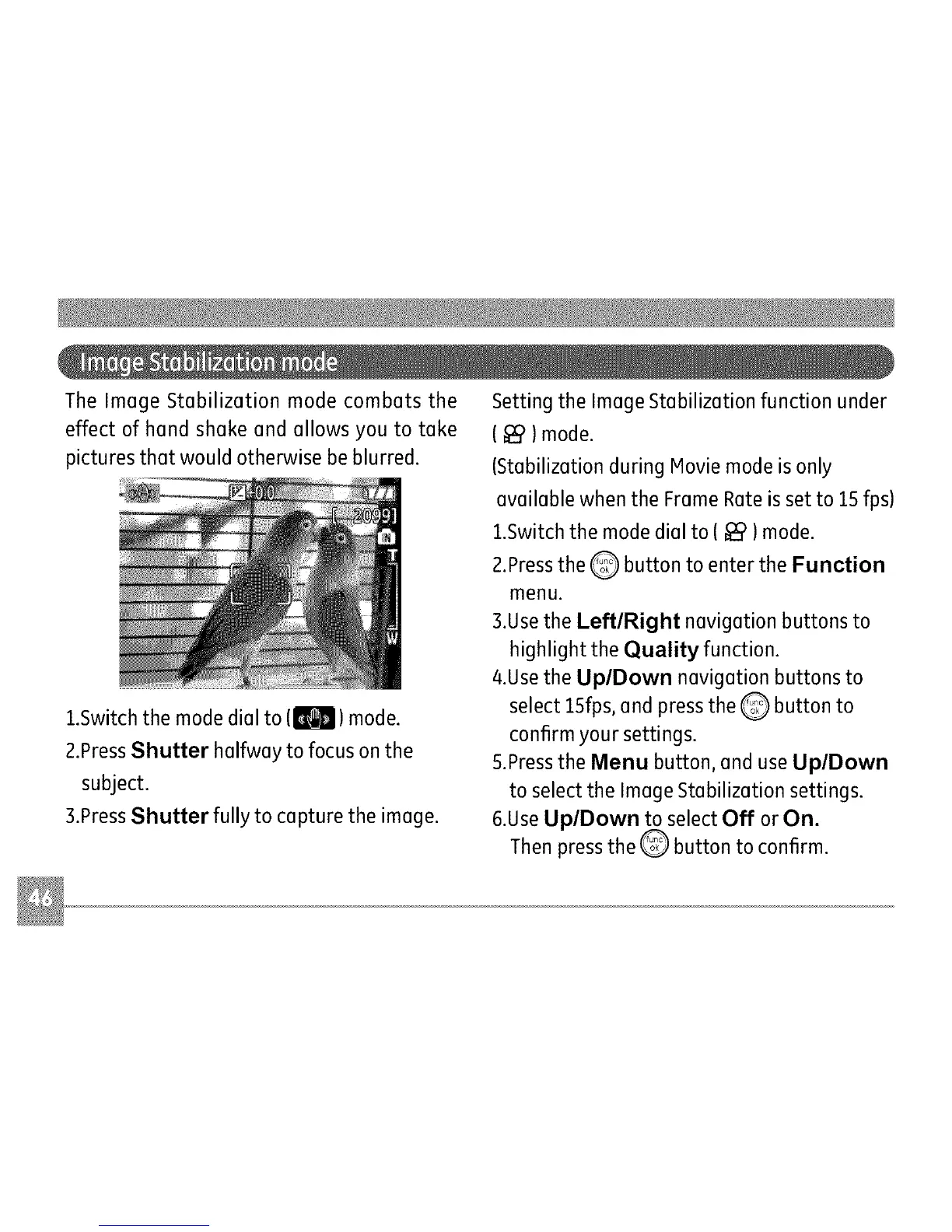
The Image Stabilization mode combats the
effect of hand shake and allows you to take
pictures that would otherwise be blurred.
1.Switch the mode dial to (j_) mode.
2.PressShutter halfway to focus on the
subject.
3.PressShutter fully to capture the image.
Setting the Image Stabilization function under
( _ )mode.
(Stabilization during Movie mode is only
available when the Frame Rate is set to 15 fps)
1.Switch the mode dial to ( _ )mode.
2.Pressthe Q button to enter the Function
menu.
3.Usethe LeftlRight navigation buttons to
highlight the Quality function.
4.Use the UplDown navigation buttons to
select ISfps, and press the Q button to
confirm your settings.
5.Pressthe Menu button, and use UplDown
to select the Image Stabilization settings.
6.UseUp/Down to select Off or On.
Then press the _ button to confirm.



 To Next Page