Editing video
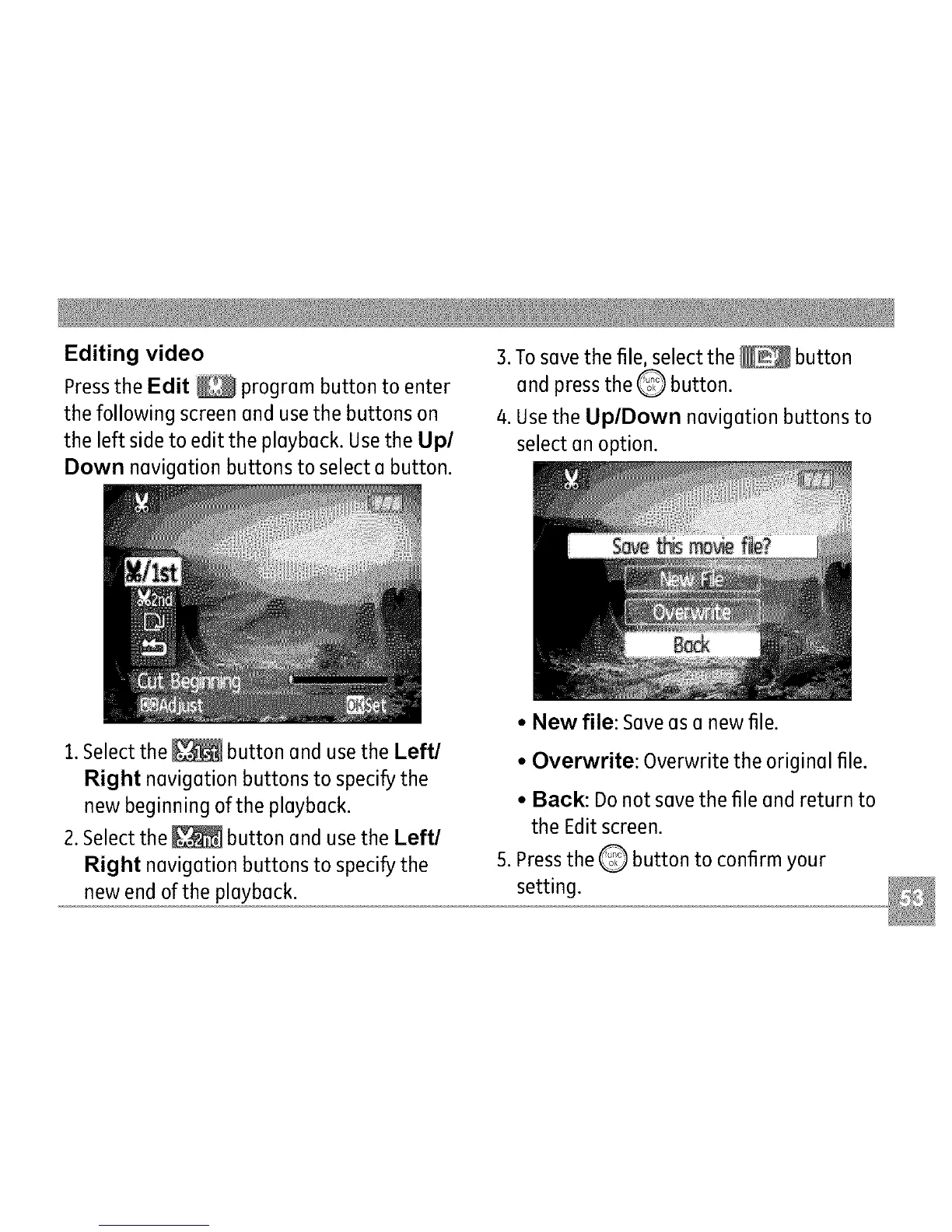
Pressthe Edit _ progrem button to enter
the following screen end use the buttons on
the left side to edit the pleybeck. Use the Up/
Down nevigetion buttons to select e button.
3.To s(]ve the file, select the _ button
end press the Q button.
4. Usethe Up/Down nevigetion buttons to
select en option.
1.Select the _ button end use the Left/
Right nevigetion buttons to specify the
new beginning of the pleybeck.
2. Select the _ button end use the Left/
Right nevigetion buttons to specify the
new end of the pleybeck.
• New file: Sevees e new file.
• Overwrite: Overwrite the originel file.
• Back: Do not seve the file end return to
the Edit screen.
S.Pressthe Q button to confirm your
setting.



 To Next Page