Thezoom scroll wheel can also be used
during playback. This allows you to magnify
photos up to 8X.
1.Turn your camera to Playback mode.
2. Usethe Left/Right navigation buttons to
select a photo to magnify.
3. Move the zoom scroll wheel to the Tele
position ( TO.,)once.
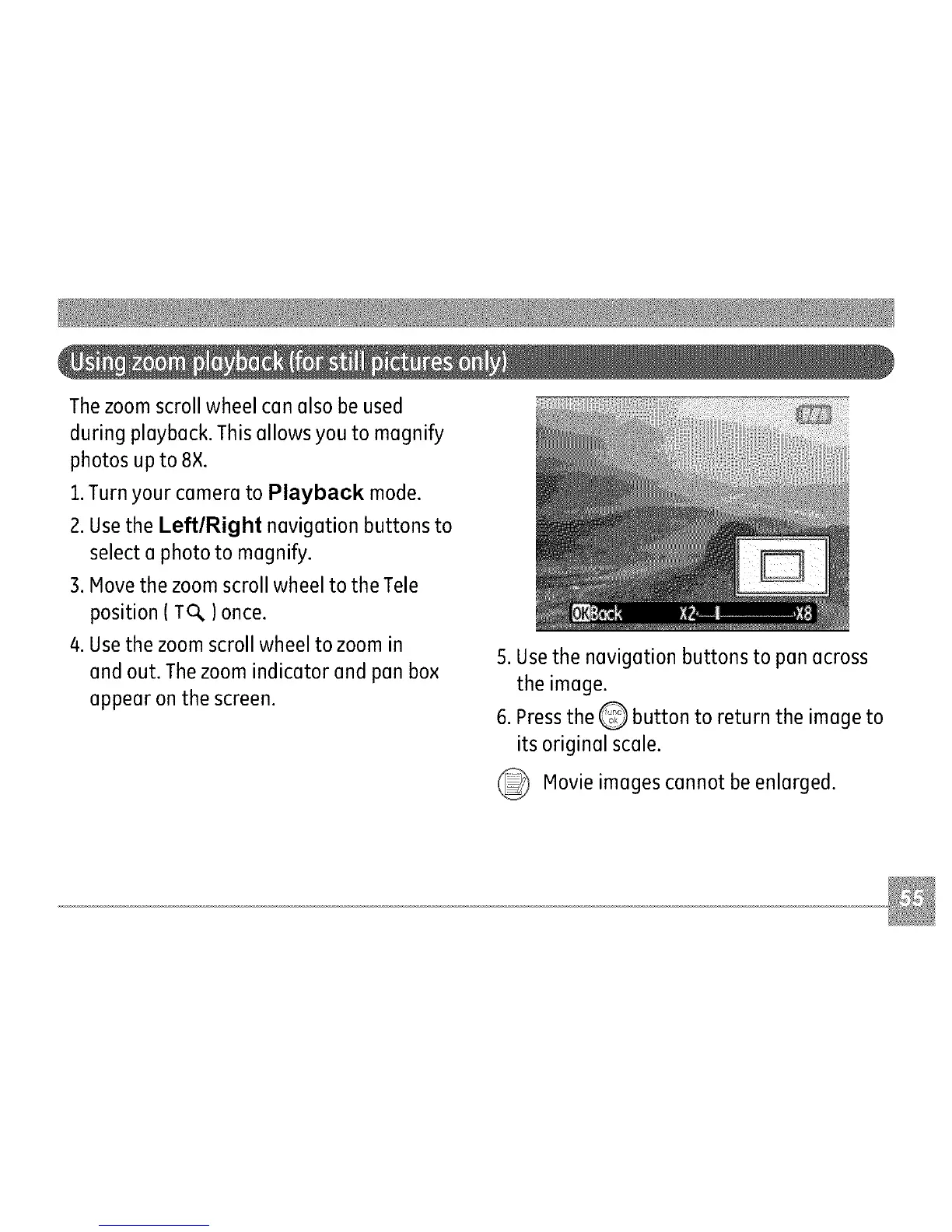
4. Usethe zoom scroll wheel to zoom in
and out. Thezoom indicator and pan box
appear on the screen.
5. Usethe navigation buttons to pan across
the image.
6. Pressthe Q button to return the image to
its original scale.
Movie images cannot be enlarged.



 To Next Page