WB (White Balance)
Thewhite balance allowsthe user to adjust
the color temperature under different light
source to ensure faithful color reproduction.
(TheWB setting is only available when the
camera is in the o! Manual mode).
Toset the white balance, do the following:
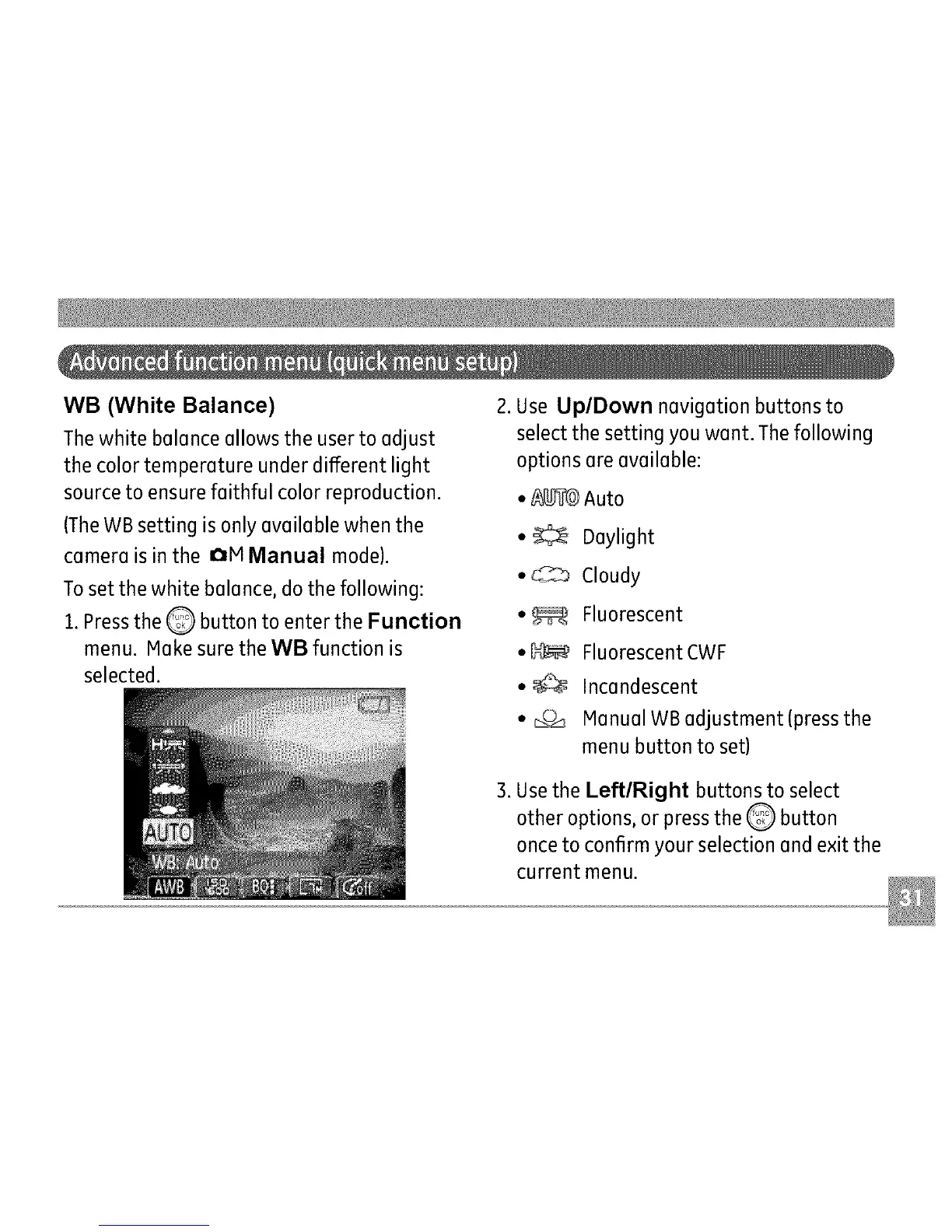
1.Pressthe Q button to enter the Function
menu. Make sure the WB function is
selected.
2. Use Up/Down navigation buttons to
select the setting you want. The following
options are available:
•/_4b_ _Auto
• _ Daylight
• C_,_ Cloudy
• _ Fluorescent
• _ Fluorescent CWF
• _ Incandescent
• _c_ Manual WB adjustment (press the
menu button to set)
3. Usethe LeftlRight buttons to select
other options, or press the Q button
once to confirm your selection and exit the
current menu.



 To Next Page