2.UsetheLeft/Rightnavigationbuttonsto
scrollthroughthephotos.
3.UsetheUp/Downnavigationbuttonsto
selectthenumberofprintsforthecurrent
displayedphoto.
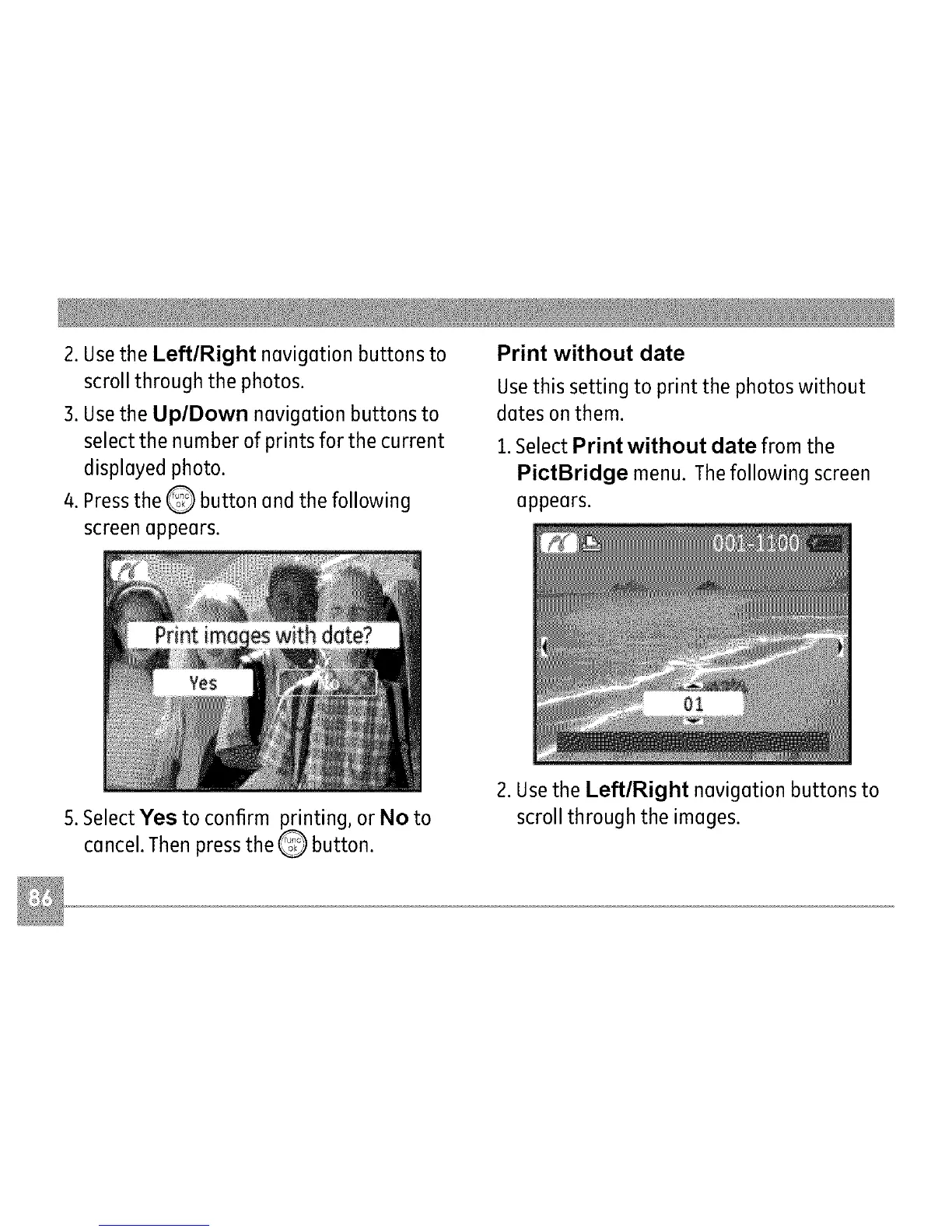
4.PresstheQ buttonandthefollowing
screenappears.
Print without date
Usethis setting to print the photos without
dates on them.
1.Select Print without date from the
PictBridge menu. The following screen
appears.
5. Select Yes to confirm printing, or No to
cancel. Then press the Q button.
2. Usethe Left/Right navigation buttons to
scroll through the images.



 To Next Page