Quality
Thequality setting adjuststhe compression
ratio of the images. Higher quality settings
give better photos, but will take up more
memory space.
Toset the image quality, do the following:
1.Pressthe Q button to enter the Function
menu.
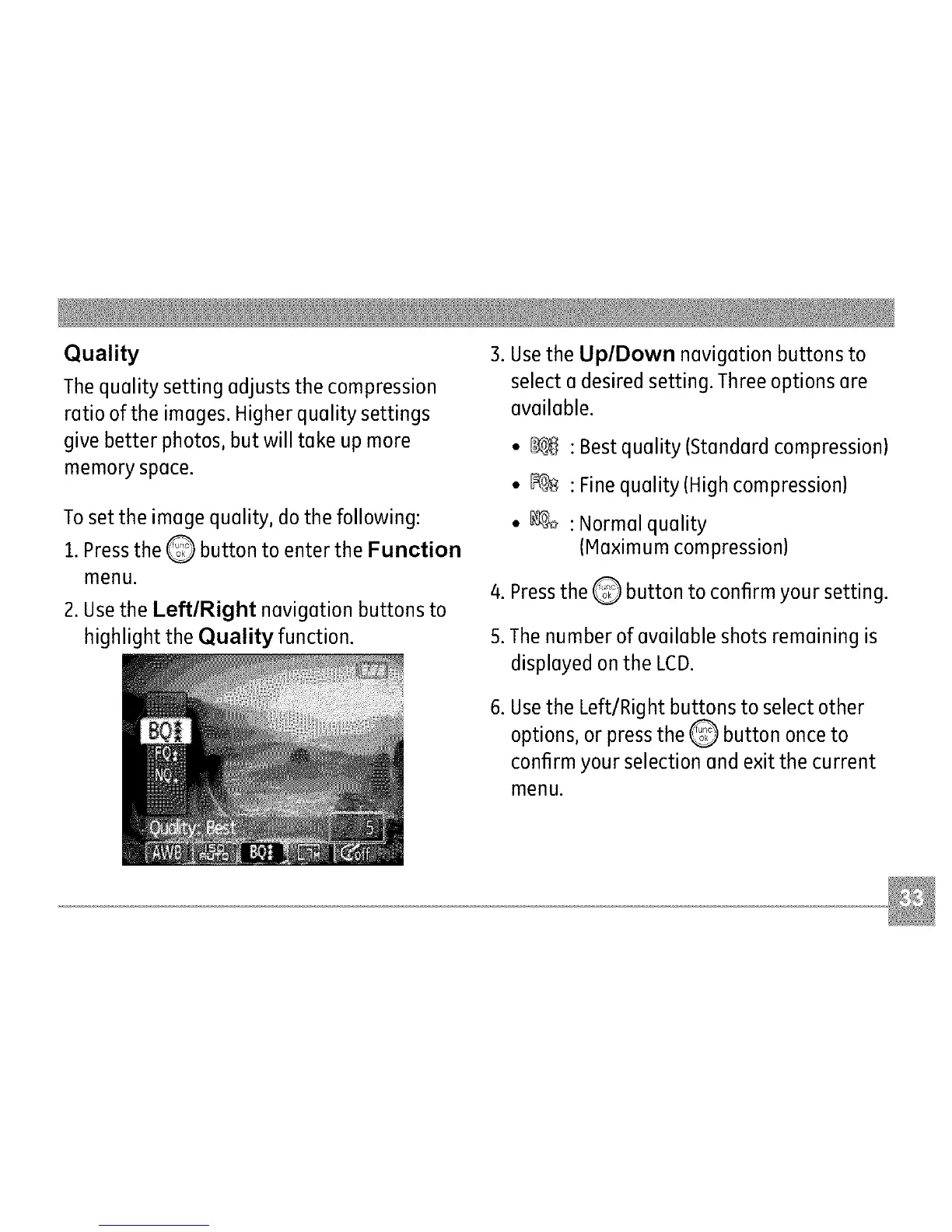
2. Usethe Left/Right navigation buttons to
highlight the Quality function.
3. Usethe Up/Down navigation buttons to
select a desired setting. Threeoptions are
available.
• _
._%
: Best quality (Standard compression)
: Finequality (High compression)
: Normal quality
(Maximum compression)
4. Pressthe Q button to confirm your setting.
5.The number of available shots remaining is
displayed on the LCD.
.
Usethe Left/Right buttons to select other
options, or press the _ button once to
confirm your selection and exit the current
menu.



 To Next Page