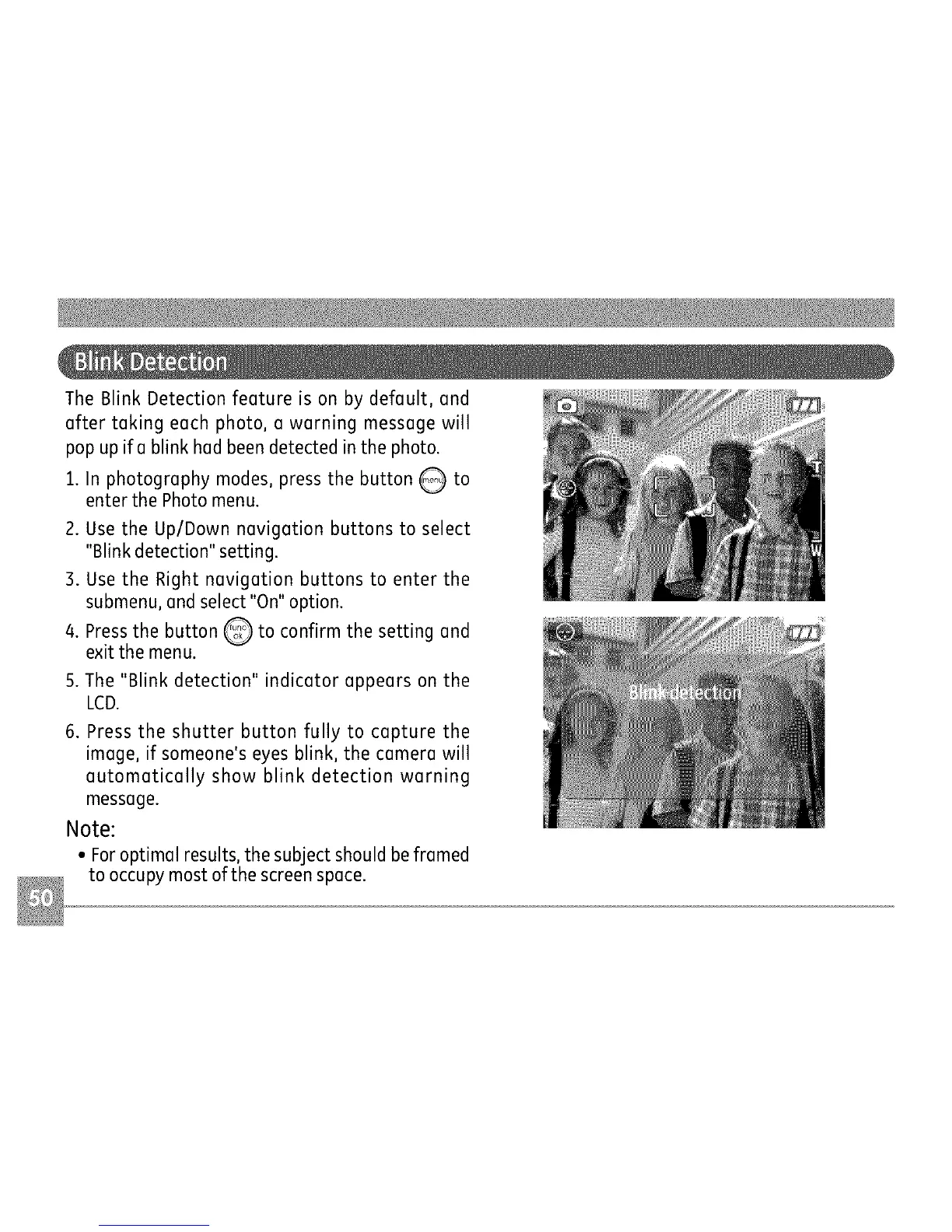
TheBlinkDetectionfeatureisonbydefault,and
aftertakingeachphoto,awarningmessagewill
popupifablinkhadbeendetectedinthephoto.
1. In photography modes, press the button Q to
enterthe Photo menu.
2. Usethe Up/Down navigation buttons to select
"Blinkdetection" setting.
3. Use the Right navigation buttons to enter the
submenu,andselect"On"option.
4. Pressthe button _ to confirm the setting and
exit the menu,
5.The "Blink detection" indicator appears on the
LCD.
6. Pressthe shutter button fully to capture the
image, if someone's eyes blink, the camera will
automatically show blink detection warning
message.
Note:
• Foroptimal results,the subjectshould beframed
to occupymost ofthe screenspace.



 To Next Page