28 2928 29
Using the ash
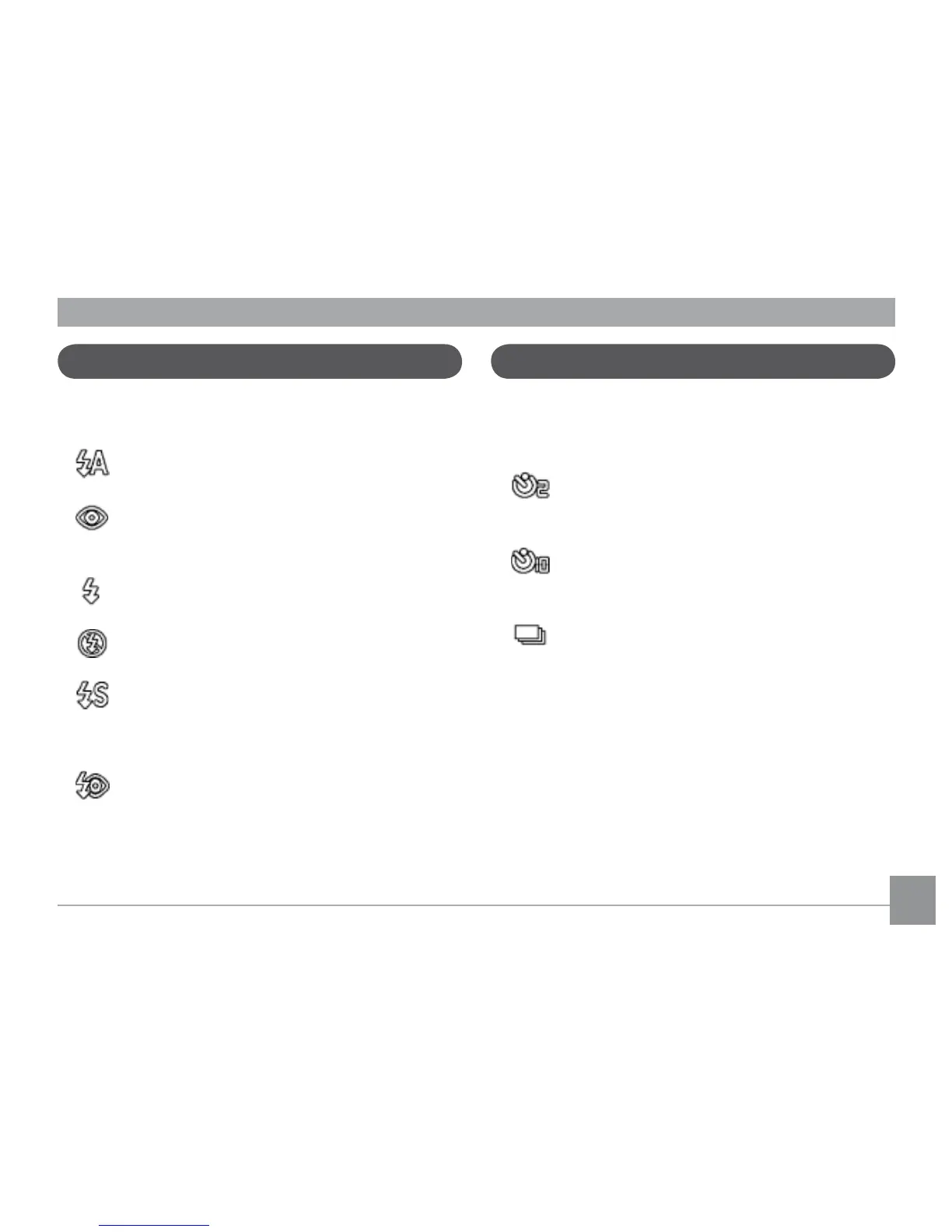
There are six ash modes. Press the Left/Flash to
cycle through the following ash modes.
• Auto ash
Flash res automatically when required.
• Red-eye reduction ash
The camera res a brief ash before the pic-
ture is taken to reduce red-eye eects.
• Forced ash
Flash always res.
• Flash o
Flash is turned o.
• Slow Synchro
This allows you to take pictures of people at
night that clearly show both your subjects and
the night time backdrop.
• Red-Eye Reduction+Slow Synchro
Use this mode for slow synchro shots with red-
eye reduction.
Using the self-timer
To enable the self-timer function, press the Down/
Self-timer to select 2-second timer delay, 10-second
timer delay, or a continuous shot.
• 2-second timer delay
A single picture is shot 2 seconds after the
shutter button is pressed.
• 10-second timer delay
A single picture is shot 10 seconds after the
shutter button is pressed.
• Continuous shot
Pictures are shot continuously when the shut-
ter button is pressed based on the Continuous
Shot settings in the menu. (See “Continuous
Shot” on page 57).



 To Next Page