60 6160 61
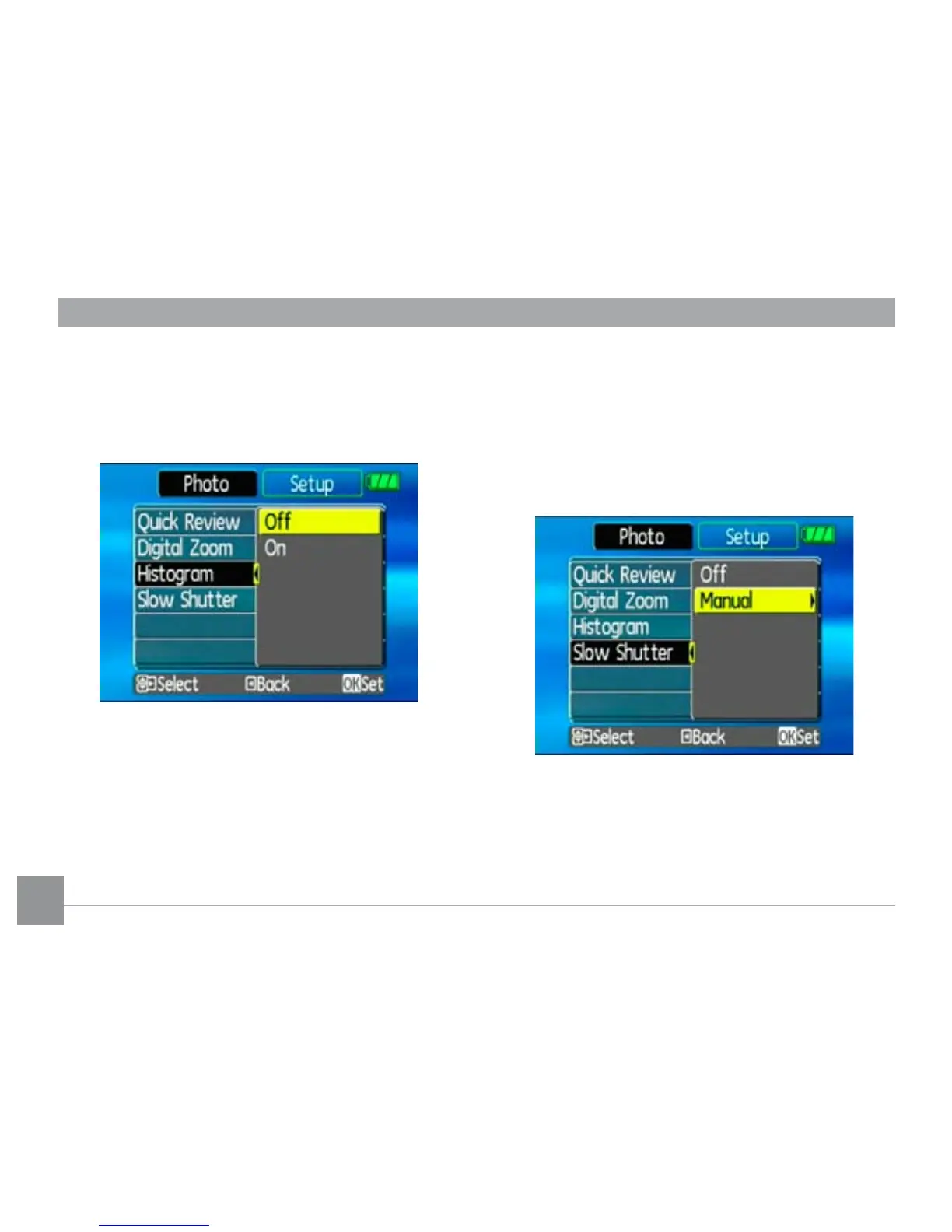
Histogram
The histogram is used for checking the exposure while
taking pictures. Use this setting to enable or disable
the histogram display on the LCD screen.
Slow Shutter
Slow Shutter mode will keep the shutter open as long
as you push down the shutter button. So, you are in
complete control of the exposure.
(The Slow Shutter setting is only available when the
camera is in the
Manual
mode).
•
Manual
: To set a long exposure time between
2~30 sec.



 To Next Page