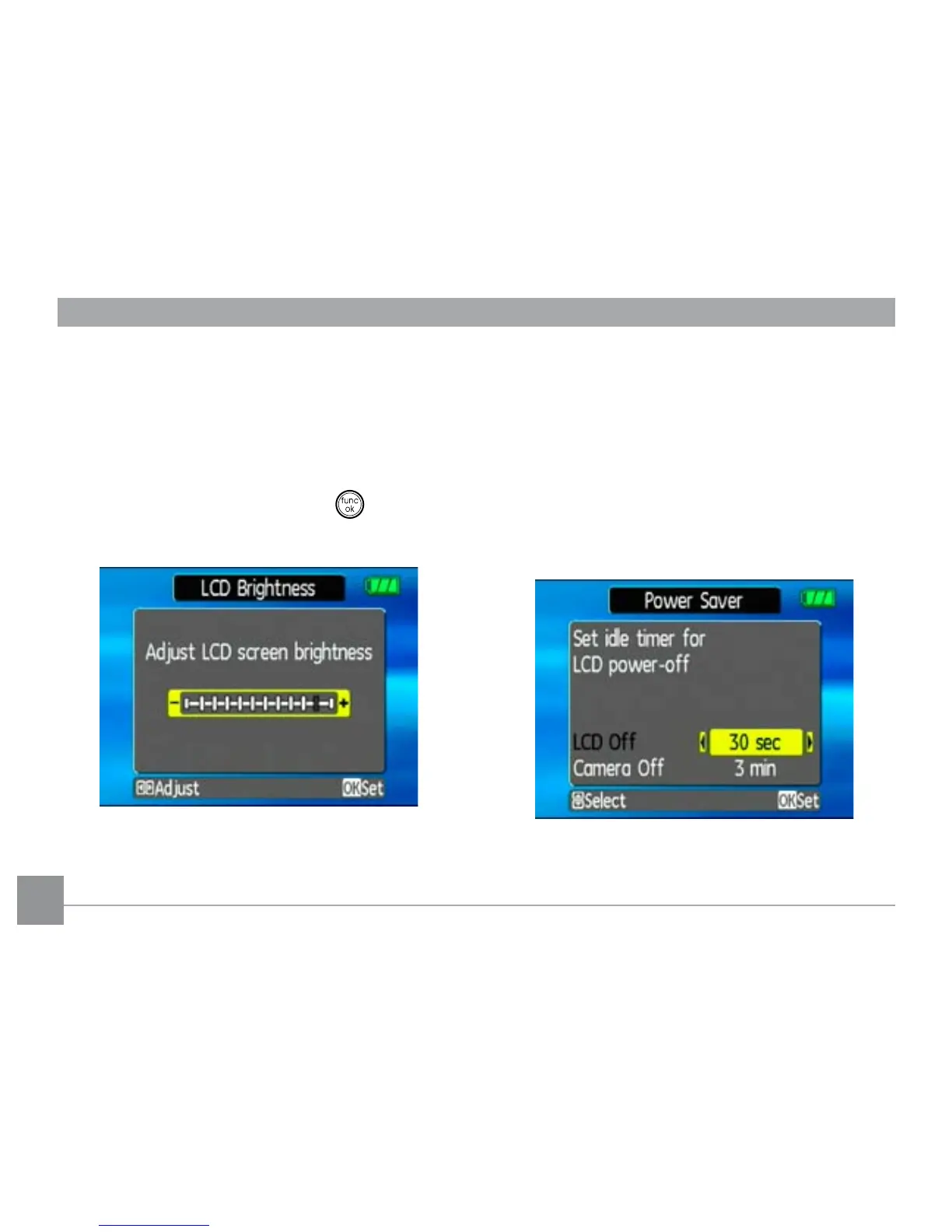
LCD Brightness
Use this setting to adjust the brightness of your LCD
screen.
1. Select the
LCD Brightness setting from the
Setup menu as described previously.
2. Use the
Left/Right navigation buttons to adjust
the brightness level. Then press the button to
conrm.
Power Saver
This setting allows you to save power and get the maxi-
mum possible running time for your battery. Follow
the steps below to turn o the LCD screen and camera
automatically after a period of inactivity.
1. Select the
Power Save setting from the Setup
menu as described previously.
2. Use the
Up/Down navigation buttons to switch
between LCD power and Camera power elds.
3. Use the Left/Right navigation buttons to specify
the idle period before automatic power-o. The level



 To Next Page