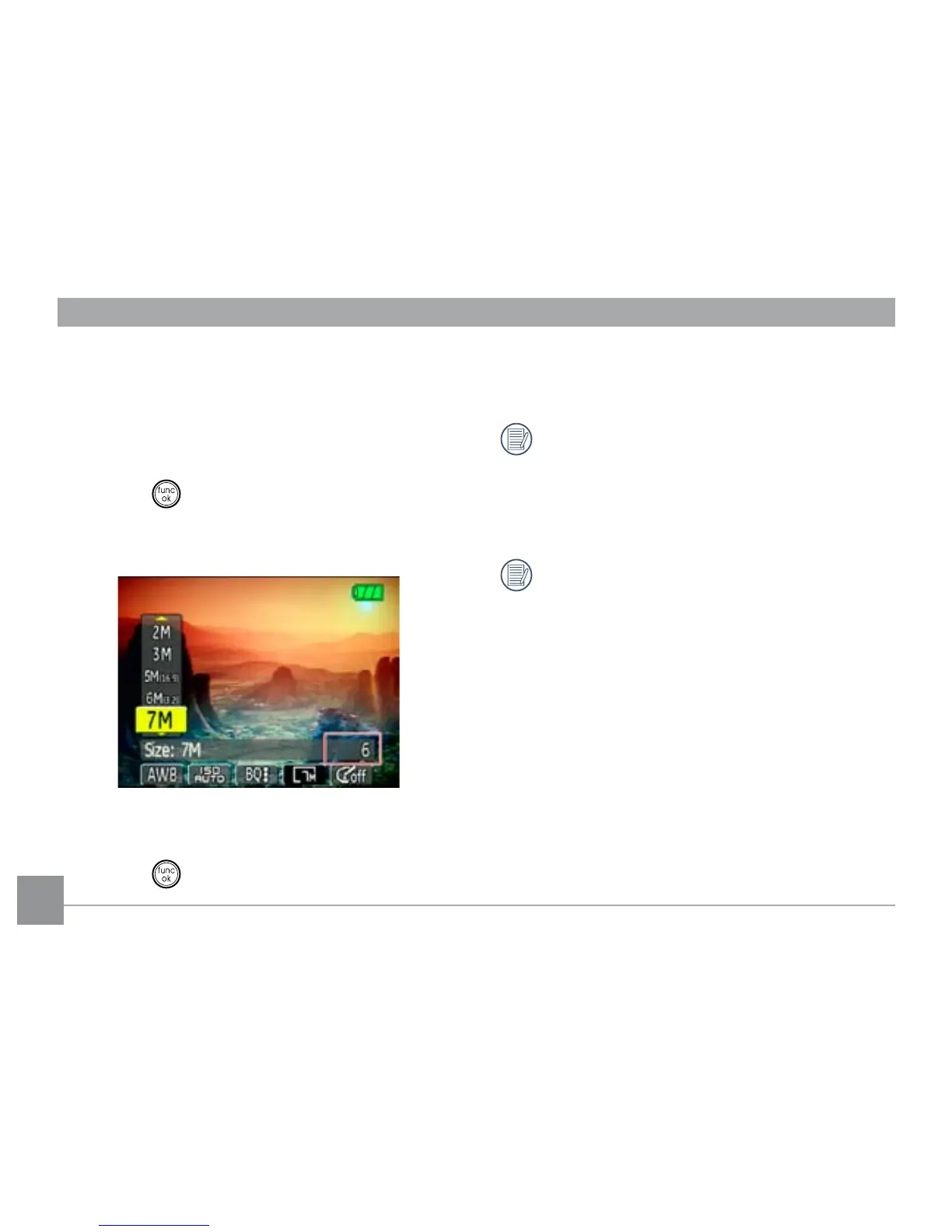
Size
The size setting refers to the image resolution in pixels.
A higher image resolution allows you to print that im-
age in larger sizes without degrading the image.
To set the image size, do the following:
1. Press the
button to enter the Function menu.
2. Use the
Left/Right navigation buttons to highlight
the Size function.
3. Use the Up/Down navigation buttons to select a
resolution.
4. Press the
button to conrm your setting.
5. The number of available shots is displayed on the
screen.
The bigger the number of recorded pixels is, the
better the image quality becomes. As the number
of recorded pixels becomes smaller, you will be
able to record more frames on a memory card.
See page 36 for the GE digital camera available
size settings.



 To Next Page