5.2 Mounting Location
Note Refer to the section, Environmental Specifications.
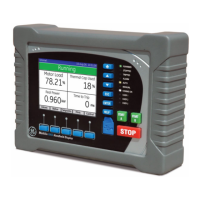
When mounting the QuickPanel
+
Operator Interface, make sure the mounting area allows room to insert and remove
the SD card, cables, and mounting brackets. Select a location that allows natural convection air flow from bottom to
top of the QuickPanel
+
enclosure. Do not mount the QuickPanel
+
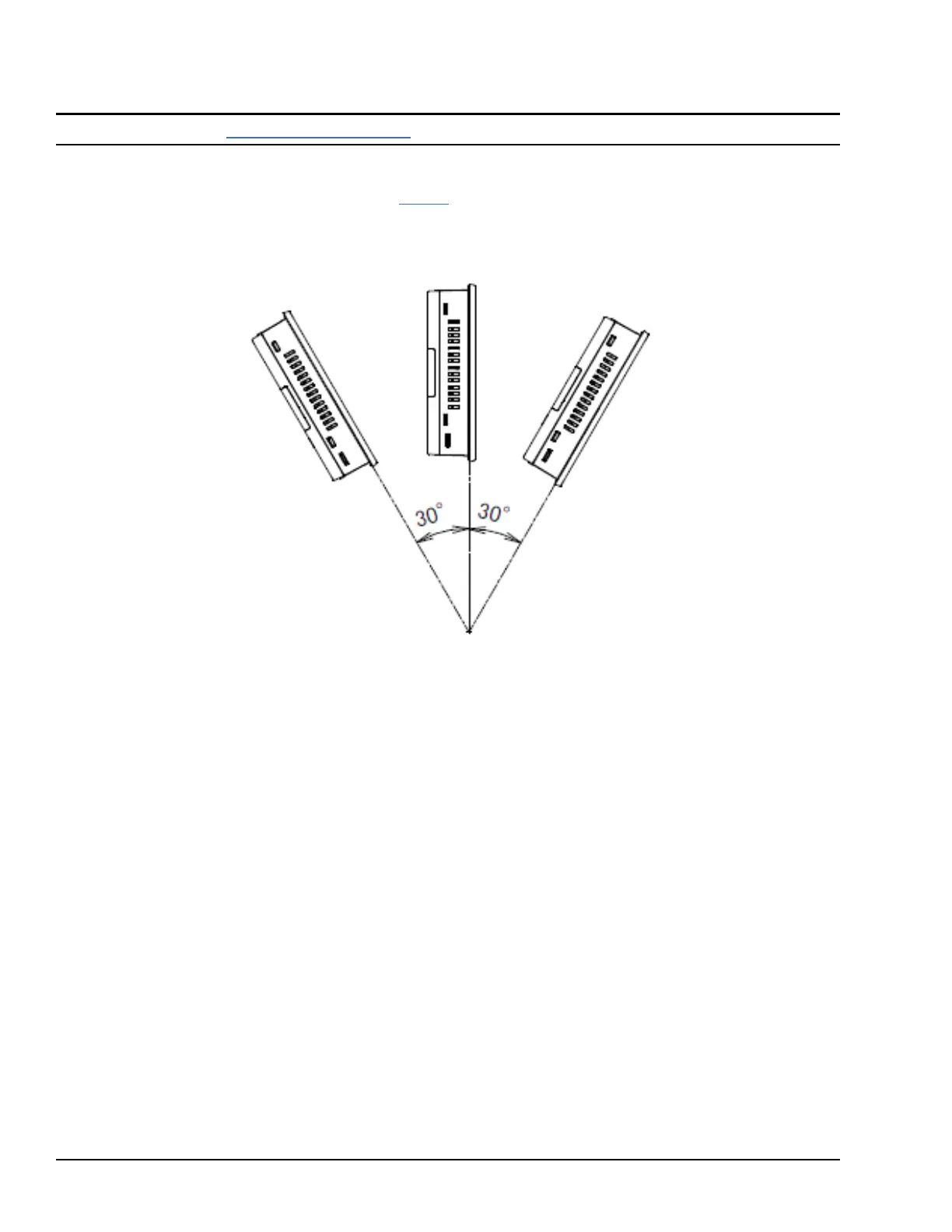
at an angle more than 30° from the vertical, as
illustrated in the following figure.
Mounting
Angle




 To Next Page