Additional Set-Up Features in the
Preferences Menu
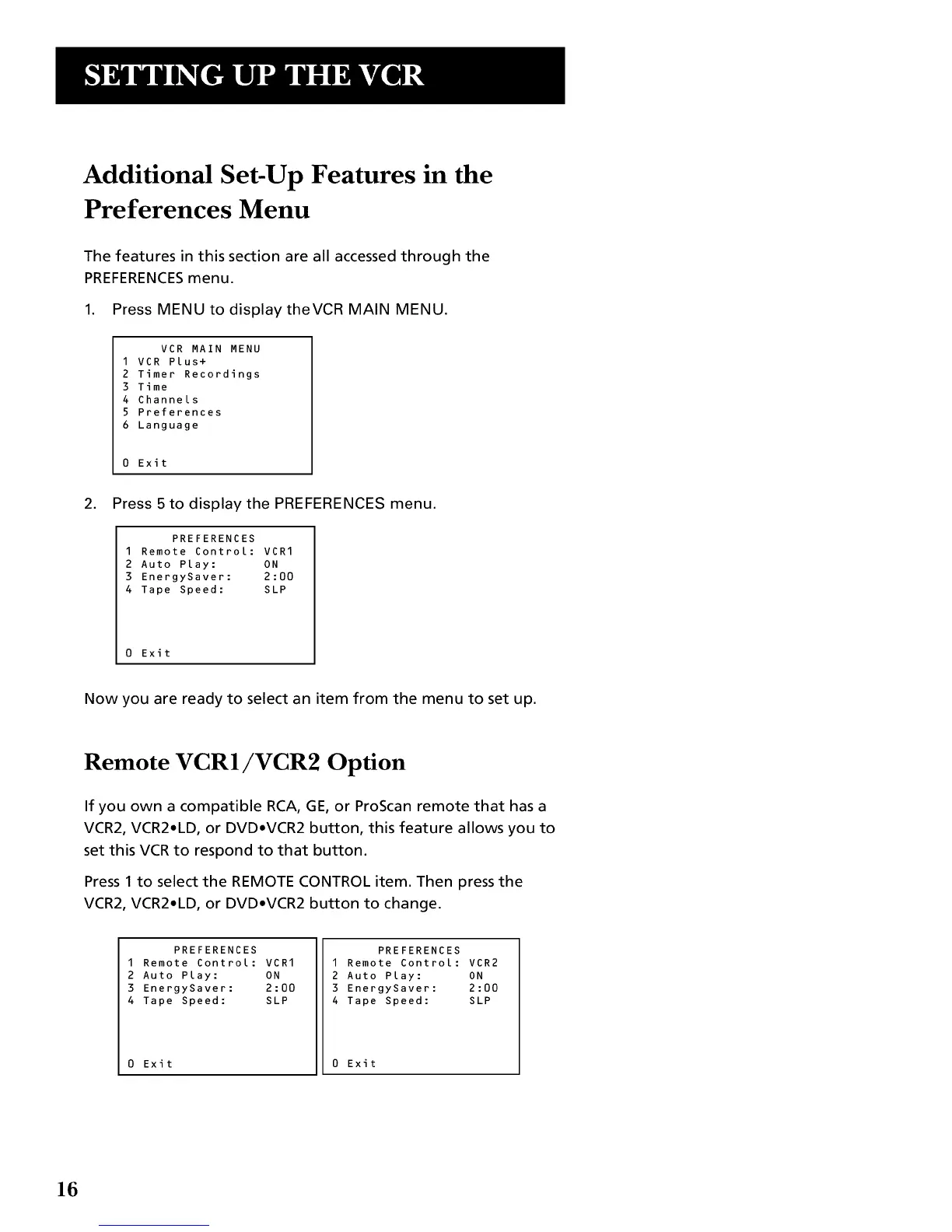
The features in this section are all accessed through the
PREFERENCESmenu.
1. Press MENU to displaytheVCR MAIN MENU.
VCR MAIN MENU
1 VCR Plus+
2 Timer Recordings
3 Time
4 Channels
5 Preferences
6 Language
0 Exit
2. Press 5 to display the PREFERENCES menu.
PREFERENCES
1 Remote Control: VCR1
2 Auto Play: ON
3 EnergySaver: 2:00
4 Tape Speed: SLP
0 Exit
Now you are ready to select an item from the menu to set up.
Remote VCR1/VCR2 Option
If you own a compatible RCA, GE, or ProScan remote that has a
VCR2, VCR2,LD, or DVD,VCR2 button, this feature allows you to
set this VCR to respond to that button.
Press 1 to select the REMOTE CONTROL item. Then press the
VCR2, VCR2,LD, or DVD,VCR2 button to change.
PREFERENCES
I Remote Control: VCRI
2 Auto Play: ON
3 EnergySaver: 2:00
4 Tape Speed: SLP
Exit
PREFERENCES
I Remote Control: VCR2
2 Auto Play: ON
3 EnergySaver: 2:00
4 Tape Speed: SLP
0 Exit
16


 To Next Page