Frame Advance
Frame advance lets you view one-stop action frame after
another. Frame advance works best for tapes recorded at the
SLP speed.
1. Press PAUSE or EADV on the remote (PLAYoPAUSE on the
VCR) to "freeze" the action.
2. Press EADV each time you want to view a frame of the
scene.
3. Press PAUSE or PLAY on the remote (PLAYoPAUSE on the
VCR) to return to normal playback.
Index Search
TheVCR has a "VHS Index Search System" that automatically
records an index mark on the tape every time you start a
recording. During playback you can locate the program you
want to play by the number of index marks or by scanning.The
VCR will search forward or reverse from the location you are on
the tape.
To Search:
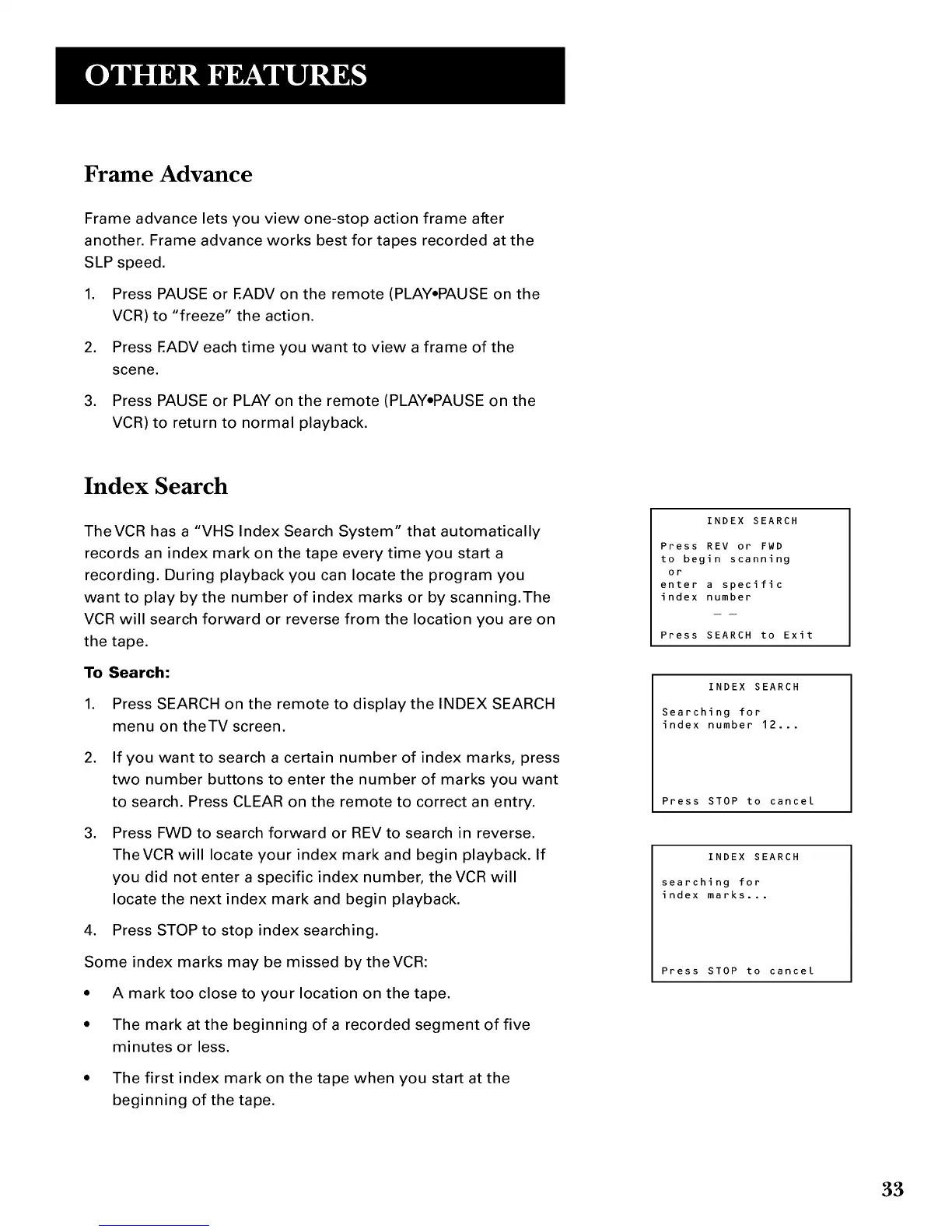
1. Press SEARCH on the remote to display the INDEX SEARCH
menu on theTV screen.
2. If you want to search a certain number of index marks, press
two number buttons to enter the number of marks you want
to search. Press CLEAR on the remote to correct an entry.
3. Press FWD to search forward or REV to search in reverse.
TheVCR will locate your index mark and begin playback. If
you did not enter a specific index number, the VCR will
locate the next index mark and begin playback.
4. Press STOP to stop index searching.
Some index marks may be missed by theVCR:
• A mark too close to your location on the tape.
• The mark at the beginning of a recorded segment of five
minutes or less.
• The first index mark on the tape when you start at the
beginning of the tape.
INDEX SEARCH
Press REV or FWD
to begin scanning
or
enter a specific
index number
Press SEARCH to Exit
INDEX SEARCH
Searching for
index number 12...
Press STOP to cancel
INDEX SEARCH
searching for
index marks...
Press STOP to cancel
33



 To Next Page