Stopping a Timer Recording
To stop or cancel a timer recording in progress (even an express
recording):
• Press and hold the STOP button on the remote (STOP•EJECT
button on the VCR), or press STOP (STOP•EJECT) three times
within 5 seconds.
Reviewing and Clearing Programs
To review programs that you have already set up:
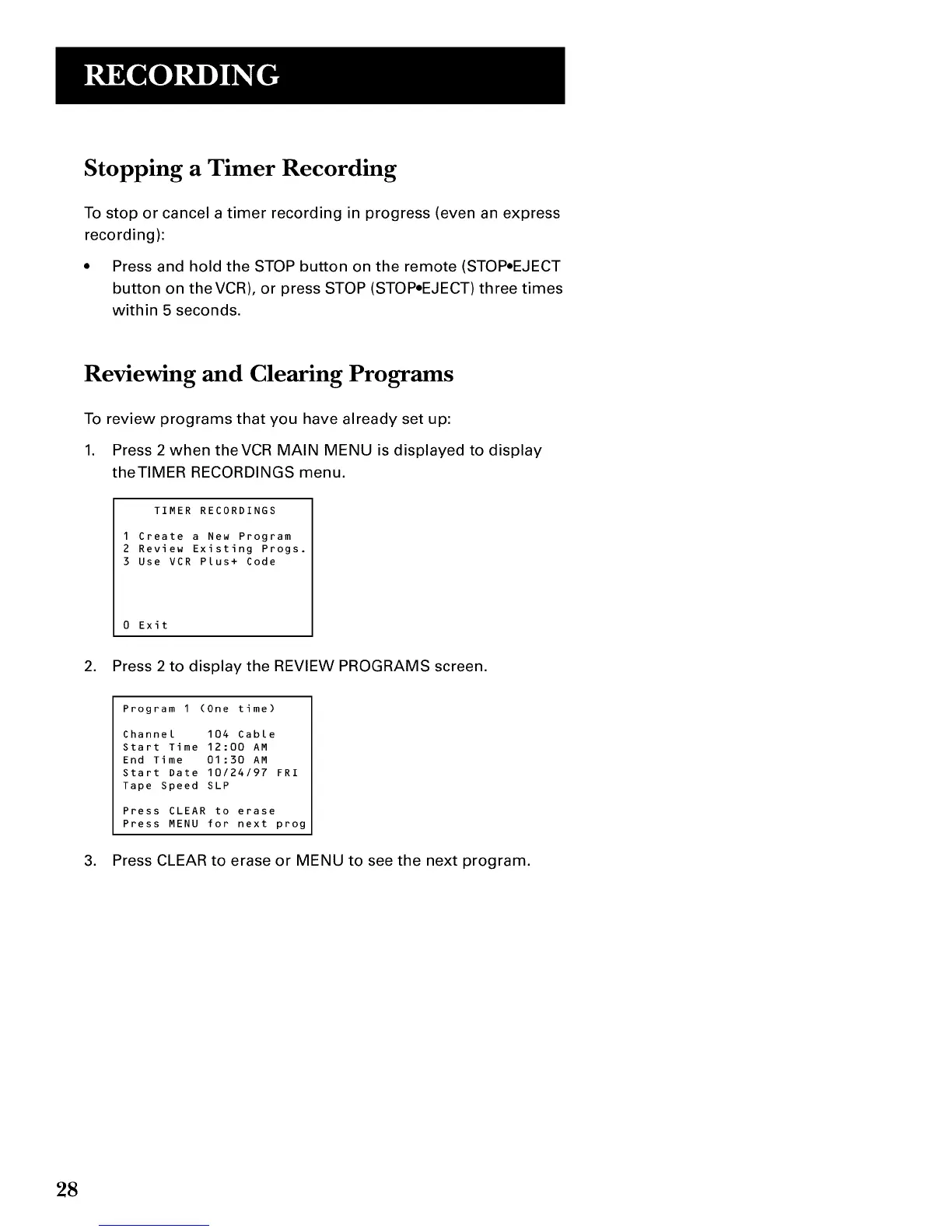
1. Press 2 when theVCR MAIN MENU is displayed to display
theTIMER RECORDINGS menu.
TIMER RECORDINGS
I Create a New Program
2 Review Existing Progs.
3 Use VCR Plus+ Code
0 Exit
2. Press 2 to display the REVIEW PROGRAMS screen.
Program I (One time)
Channel 104 Cable
Start Time 12:00 AM
End Time 01:30 AM
Start Date 10/24/97 FRI
Tape Speed SLP
Press CLEAR to erase
Press MENU for next prog
3. Press CLEAR to erase or MENU to see the next program.
28


 To Next Page