STEP 5: Tune the TV
Tune theTV to the VCR viewing channel.The VCR viewing
channel is channel 3 or 4 or theTV's video input.
• If you connect your VCR using the ANTENNA connectors
with RF antenna cable, set the 3CH.4 switch to channel 3 or
channel 4--the channel you want to use on yourTV.
• If you connect your VCR using the AUDIONIDEO jacks with
audio/video cables, select theTV's video input to see the
signal. See the TVOwner's Manual.
STEP 6: Turn On the VCR
Press POWER to turn on the VCR.Turning on the VCR for the first
time starts the Interactive Setup feature.
STEP 7: Interactive Setup
The first time theVCR is turned on, Interactive Setup--a brief
series of on-screen menus--appears.These menus assist in
setting up several of the VCR's features. Use the remote's
number buttons to select options.
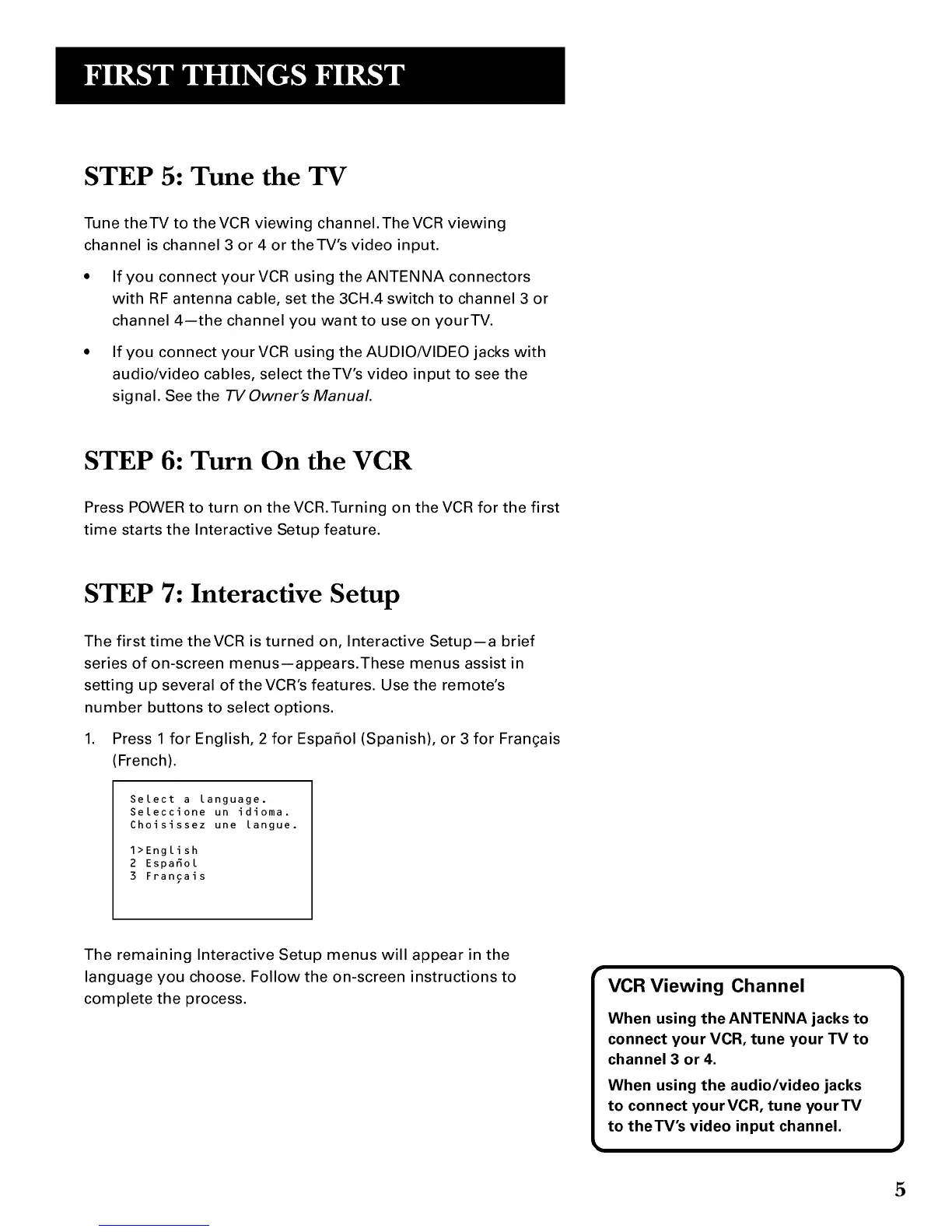
1. Press 1 for English, 2 for Espafiol (Spanish), or 3 for Fran£ais
(French).
Select a language.
Seleccione un idioma.
Choisissez une langue.
1>English
2 Espafiol
3 Francais
The remaining Interactive Setup menus will appear in the
language you choose. Follow the on-screen instructions to
complete the process.
VCR Viewing Channel
When using the ANTENNA jacks to
connect your VCR, tune your TV to
channel 3 or 4.
When using the audio/video jacks
to connect yourVCR, tune yourTV
to theTV's video input channel.
5



 To Next Page