Using the Menu to Set Up Features
You can set up features by using the menu system. Each feature
is explained in this section.
Language
Select your preferred language, and the on-screen displays will
appear in that language.
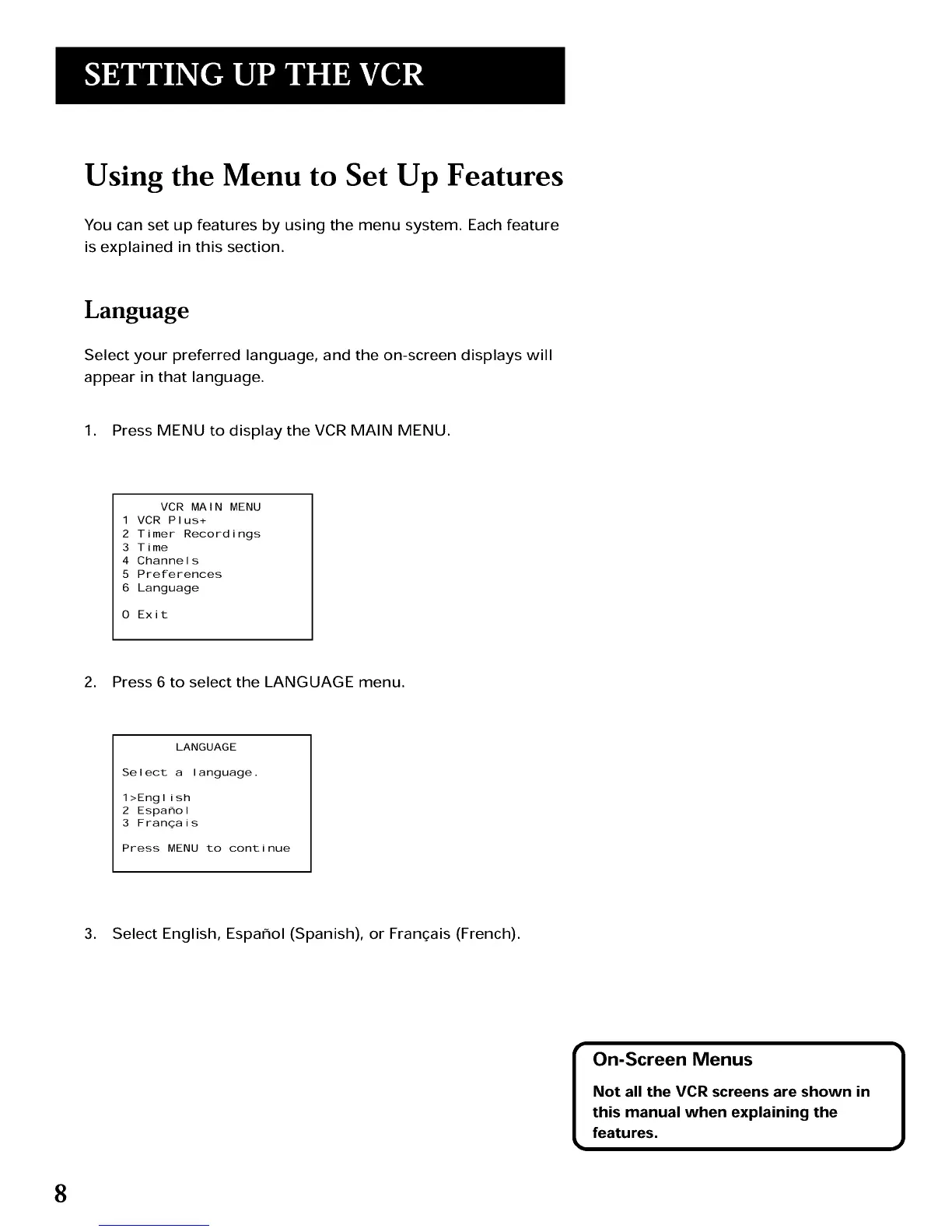
1. Press MENU to display the VCR MAIN MENU.
VCR MAIN MENU
1 VCR Plus+
2 Timer Recordings
3 Time
4 Channels
5 Preferences
6 Language
0 Exit
2. Press 6 to select the LANGUAGE menu.
LANGUAGE
Select a language.
1>English
2 Espa_ol
3 Franqais
Press MENU to continue
3. Select English, Espar_ol (Spanish), or Franqais (French).
On-Screen Menus 1
Not all the VCR screens are shown in
this manual when explaining the
features.
8



 To Next Page