Remote VCR1/VCR2 Option
If you own a compatible RCA, GE, or ProScan remote that has a
VCR2, VCR2.LD, or VCR2.DVD button, this feature allows you to
set this VCR to respond to that button.
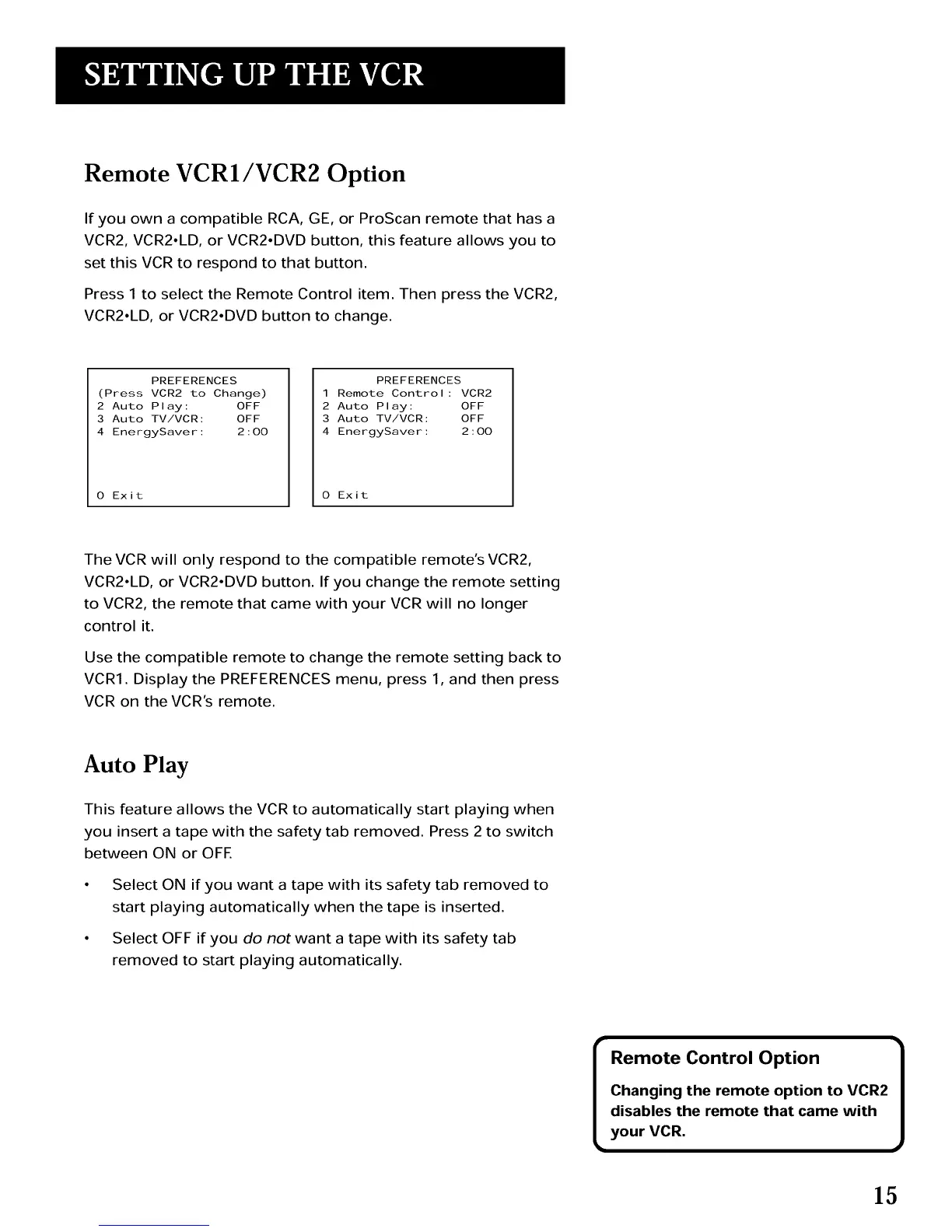
Press 1 to select the Remote Control item. Then press the VCR2,
VCR2.LD, or VCR2.DVD button to change.
PREFERENCES
(Press VCR2 to Change)
2 Auto Play: OFF
3 Auto TV/VCR: OFF
4 EnergySaver: 2:00
0 Exit
PREFERENCES
1 Remote Control: VCR2
2 Auto Play: OFF
3 Auto TV/VCR: OFF
4 EnergySaver: 2:00
0 Exit
The VCR will only respond to the compatible remote's VCR2,
VCR2.LD, or VCR2.DVD button. If you change the remote setting
to VCR2, the remote that came with your VCR will no longer
control it.
Use the compatible remote to change the remote setting back to
VCRI. Display the PREFERENCES menu, press 1, and then press
VCR on the VCR's remote.
Auto Play
This feature allows the VCR to automatically start playing when
you insert a tape with the safety tab removed. Press 2 to switch
between ON or OFE
Select ON if you want a tape with its safety tab removed to
start playing automatically when the tape is inserted.
Select OFF if you do not want a tape with its safety tab
removed to start playing automatically.
Remote Control Option 1
Changing the remote option to VCR2
disables the remote that came with
your VCR.
15



 To Next Page