STOP Stops the current VCR function such as record, playback,
rewind, or fast forward.
TRACK + or - Lets you manually reduce the streaks that may
appear on the picture during play, slow motion, or pause.
Reduces picture "jitter" during stop-action playback.
TV.VCR Switches the picture signal so that it either comes
from the VCR or cable/antenna system.
Playing a Tape
1. Tune theTV to yourVCR viewing channel (3, 4, orTV's video
input).
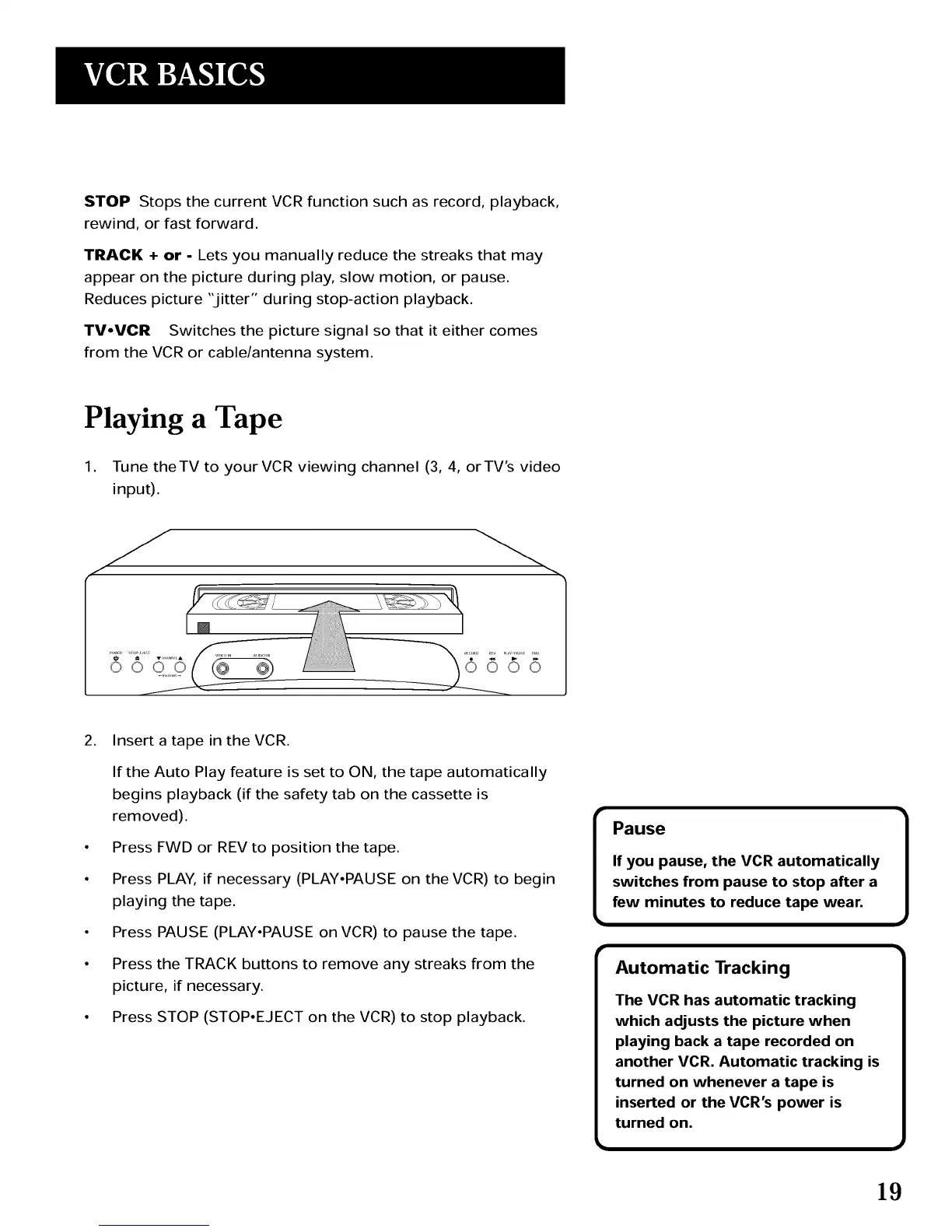
2. Insert a tape in the VCR.
If the Auto Play feature is set to ON, the tape automatically
begins playback (if the safety tab on the cassette is
removed).
• Press FWD or REV to position the tape.
• Press PLAY, if necessary (PLAY,PAUSE on the VCR) to begin
playing the tape.
• Press PAUSE (PLAY,PAUSE on VCR) to pause the tape.
• Press the TRACK buttons to remove any streaks from the
picture, if necessary.
• Press STOP (STOP,EJECT on the VCR) to stop playback.
Pause
If you pause, the VCR automatically
switches from pause to stop after a
few minutes to reduce tape wear,
Automatic Tracking
The VCR has automatic tracking
which adjusts the picture when
playing back a tape recorded on
another VCR. Automatic tracking is
turned on whenever a tape is
inserted or the VCR's power is
turned on.
19



 To Next Page