Connecting Your VCR
Refer to these pages to help you connect your VCR.
Jacks and Cables
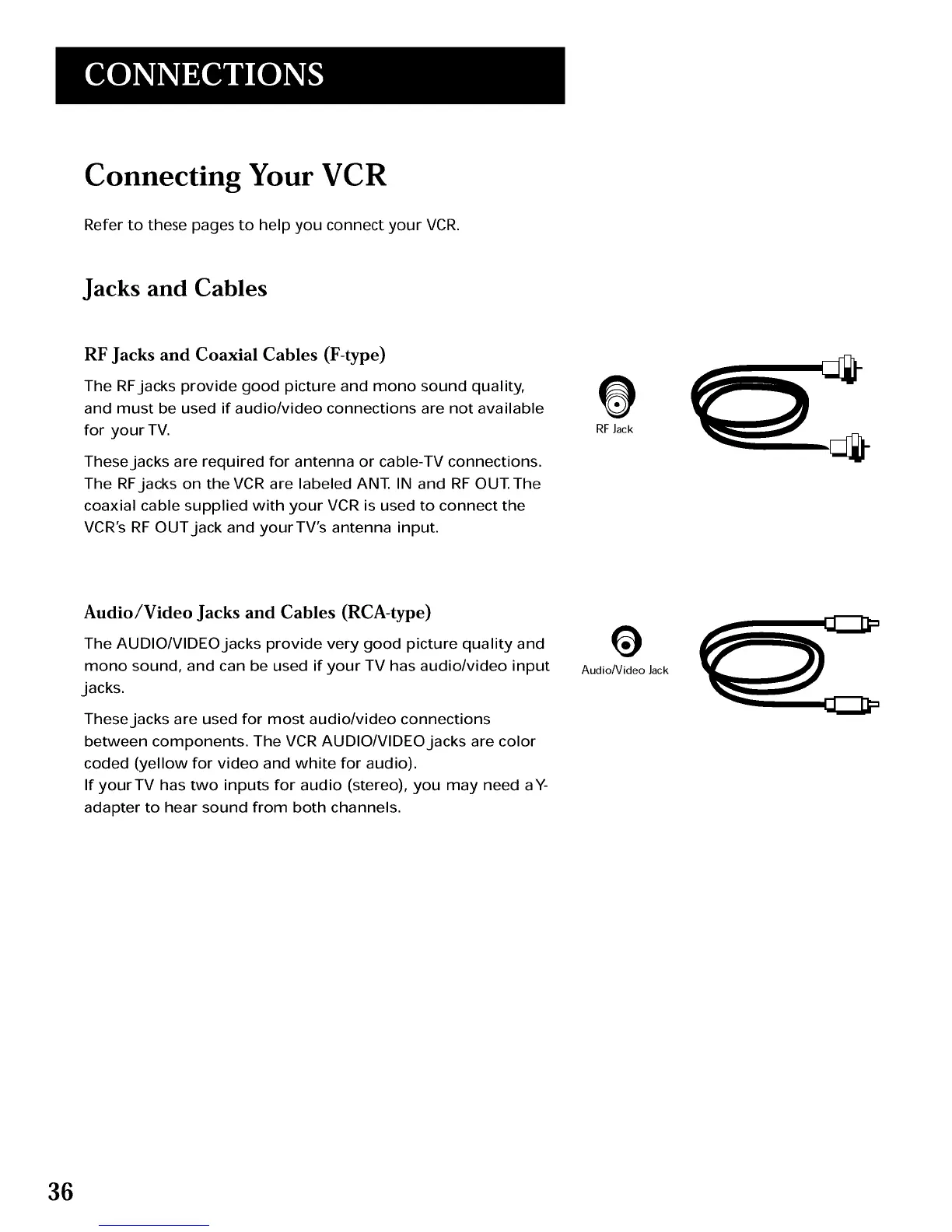
RF Jacks and Coaxial Cables (F-type)
The RFjacks provide good picture and mono sound quality,
and must be used if audio/video connections are not available
for your TV.
Thesejacks are required for antenna or cable-TV connections.
The RFjacks on theVCR are labeled ANT. IN and RF OUT.The
coaxial cable supplied with your VCR is used to connect the
VCR's RF OUT jack and yourTV's antenna input.
O
RF Jack
Audio/Video Jacks and Cables (RCA-type)
The AUDIO/VIDEOjacks provide very good picture quality and
mono sound, and can be used if your TV has audio/video input
jacks.
These jacks are used for most audio/video connections
between components. The VCR AUDIO/VIDEO jacks are color
coded (yellow for video and white for audio).
If yourTV has two inputs for audio (stereo), you may need aY-
adapter to hear sound from both channels.
O
Audio/Video Jack
36



 To Next Page