Time and Date
Before you set the time and date, set the Auto DST (Daylight-
SavingTime) feature to ON or OFF for your area.
Set Daylight-Saving Time
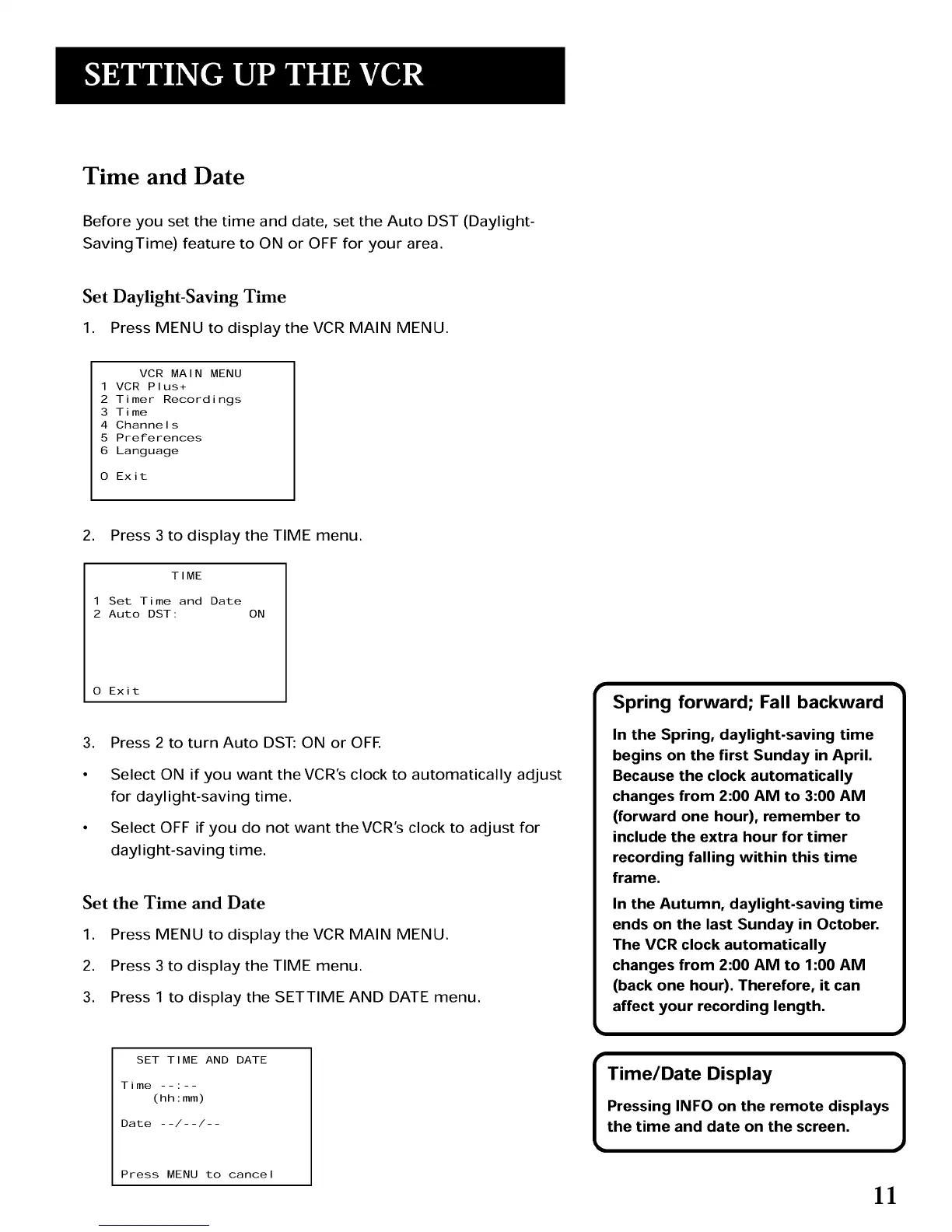
1. Press MENU to display the VCR MAIN MENU.
VCR MAIN MENU
1 VCR Plus+
2 Timer Recordings
3 Time
4 Channels
5 Preferences
6 Language
O Exit
2. Press 3 to display the TIME menu.
TIME
1 Set Time and Date
2 Auto DST: ON
0 Exit
, Press 2 to turn Auto DST: ON or OFE
Select ON if you want the VCR's clock to automatically adjust
for daylight-saving time.
Select OFF if you do not want the VCR's clock to adjust for
daylight-saving time.
Set the Time and Date
1. Press MENU to display the VCR MAIN MENU.
2. Press 3 to display the TIME menu.
3. Press 1 to display the SETTIME AND DATE menu.
Spring forward; Fall backward
In the Spring, daylight-saving time
begins on the first Sunday in April.
Because the clock automatically
changes from 2:00 AM to 3:00 AM
(forward one hour), remember to
include the extra hour for timer
recording falling within this time
frame.
In the Autumn, daylight-saving time
ends on the last Sunday in October.
The VCR clock automatically
changes from 2:00 AM to 1:00 AM
(back one hour). Therefore, it can
affect your recording length.
SET TIME AND DATE
Time(hhlmm )
Date --/--/--
Press MENU to cancel
r
Time/Date Display
Pressing INFO on the remote displays
the time and date on the screen. ]
11



 To Next Page