11
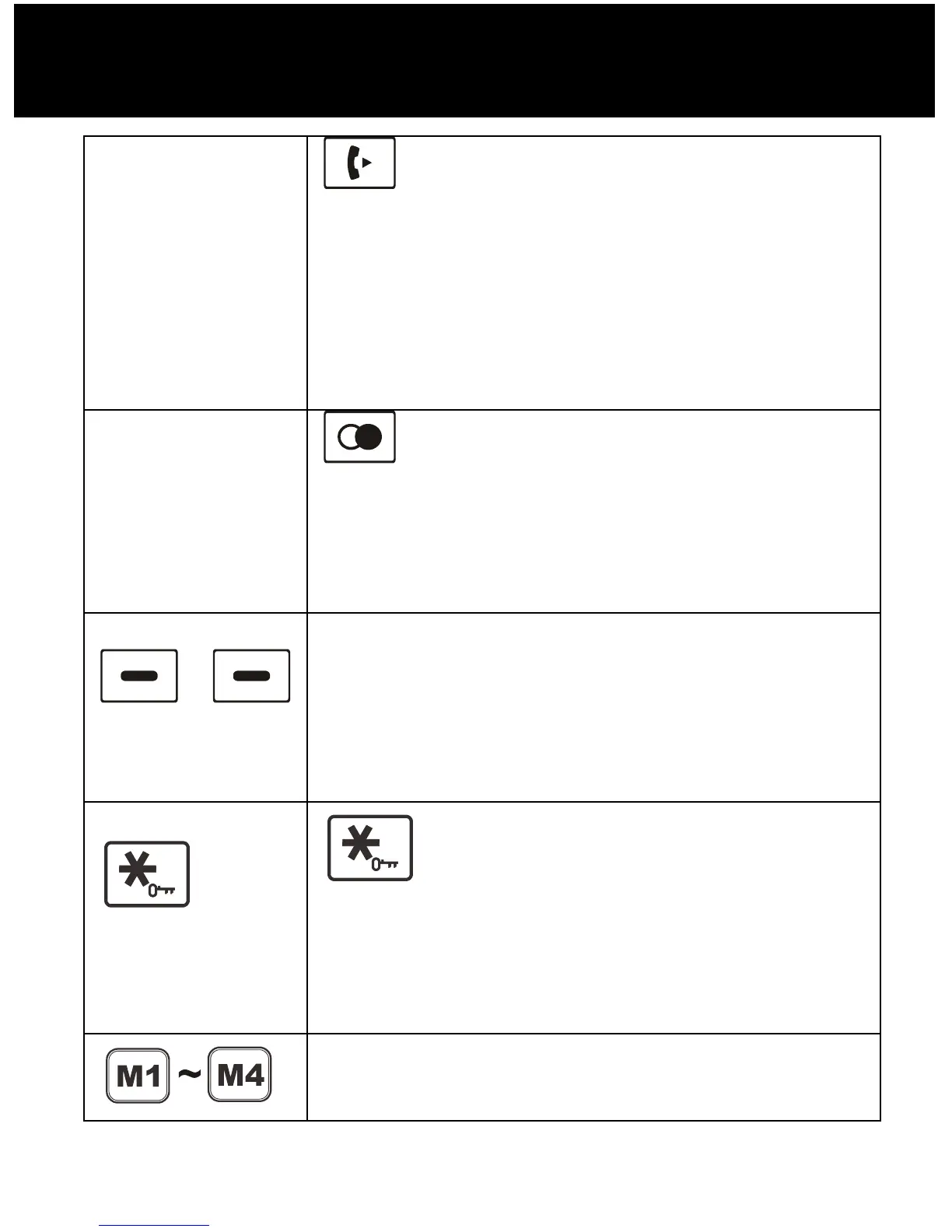
Left key
Set up an internal call to another
handset.
Transfer an incoming call to another
handset.
Set up a conference call with an
external line and an internal handset.
Right key
Enter the redial book, as described in
page 27.
Insert a pause when pre-dialing a
number.
Left/Right soft key
Perform the functions indicated by the
text immediately above the key (on the
bottom line of the display) which
changes dependant on the context.
key
Press and hold to turn on/off keypad
lock function.
Set up a conference call, as described
in page 61.
One-touch memories
Press and hold to turn on/off keypad
DESCRIPTION



 To Next Page