13
press and hold to delete the current message.
In the active mode (all lights on) press and
hold this key to delete all the messages.
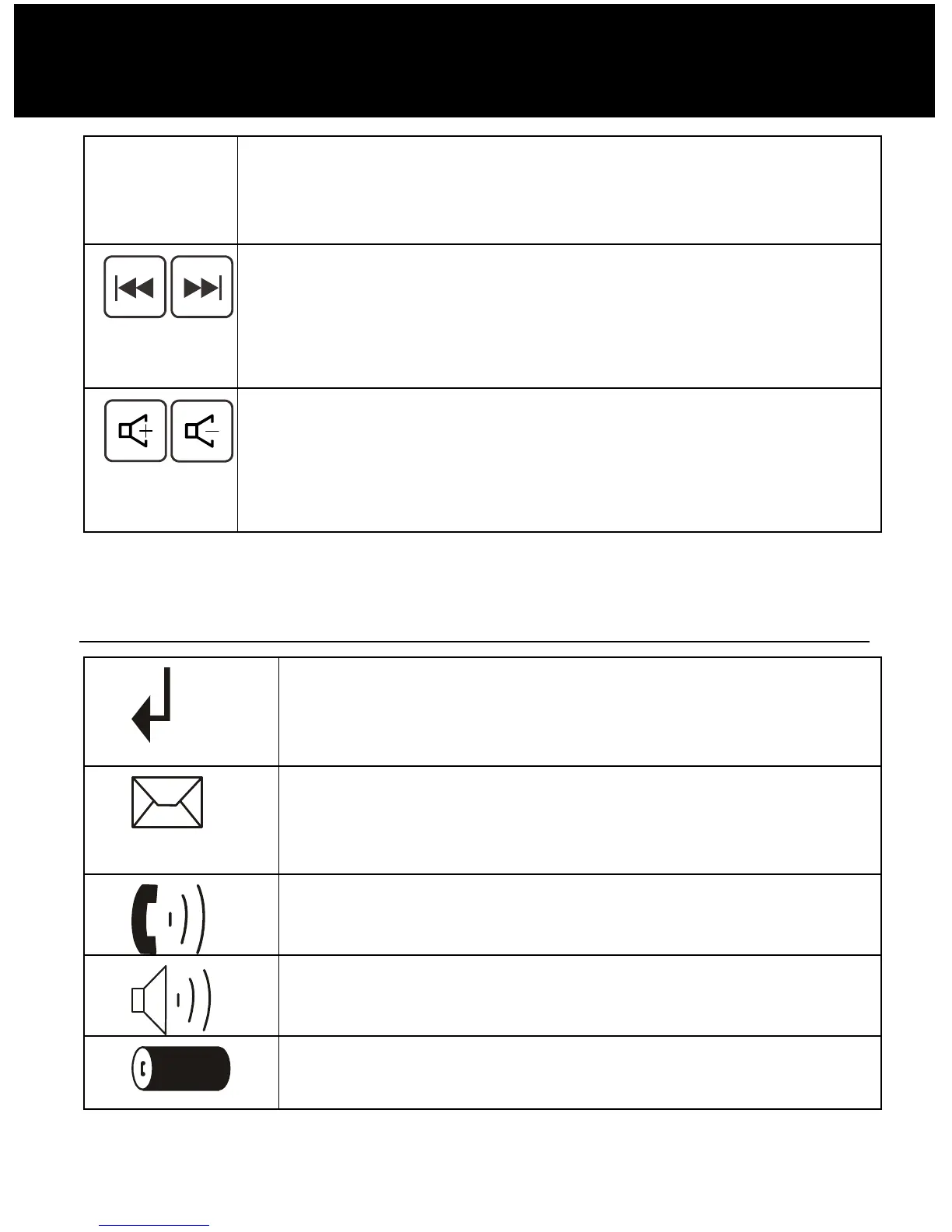
Repeat/Skip key
Press to play the current or next message.
(Press the Repeat key twice to play the
previous message.)
Volume up/down key
When playing announcement or messages,
press to increase or decrease the relevant
volume.
LCD Window Icons Description
New Call
Indicates you have missed one or more
calls.
MSG Waiting
Indicates you have one or more voice
messages.
Off Hook
Indicates the line is engaged.
Hands-free
Indicates the handsfree function is enabled.
Battery Icon
Indicates battery charge level.
DESCRIPTION



 To Next Page