19
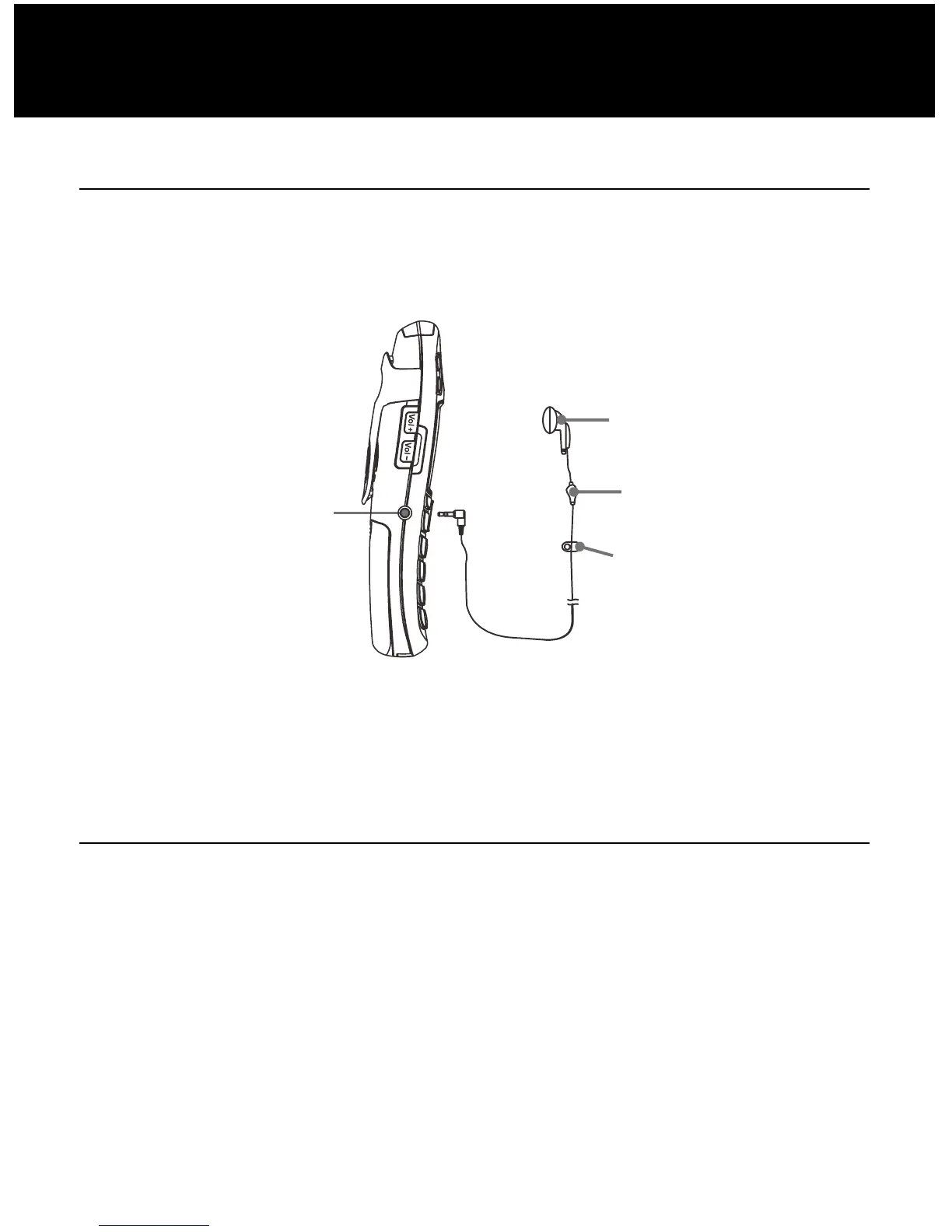
Using Headset (optional)
The headset jack is located in the left side of the handset
and is a 2.5mm standard plug. Simply plug the headset
into this jack and the headset will be activated.
Note: When the headset is plugged into the headset jack
the microphone on the handset will be deactivated.
Wall mounting
Place the plate for wall mounting under the telephone.
Drill 2 holes in the wall 60 mm apart, insert the wall plugs
and the wall mounting screw. The screws should
protrude 6-7 mm. Fit the base onto the screw-heads and
slide down to secure.
INSTALLATION
Headset Jack
Ear



 To Next Page