20
Turning Handset On/Off
If the handset is in power off mode, when you place the
handset on the base, it automatically turns on. To turn
the handset on or off in standby mode, follow these
steps:
1. To turn on the handset when it's off, press and hold the
key until you switch the display on. On power up,
the handset will enter subscription mode and search for a
registered base. A message as shown below will be
displayed to the user, and the signal icon will flash.
Searching...
Note: If the handset is successful in finding a base, the
handset will enter the standby mode, the display will
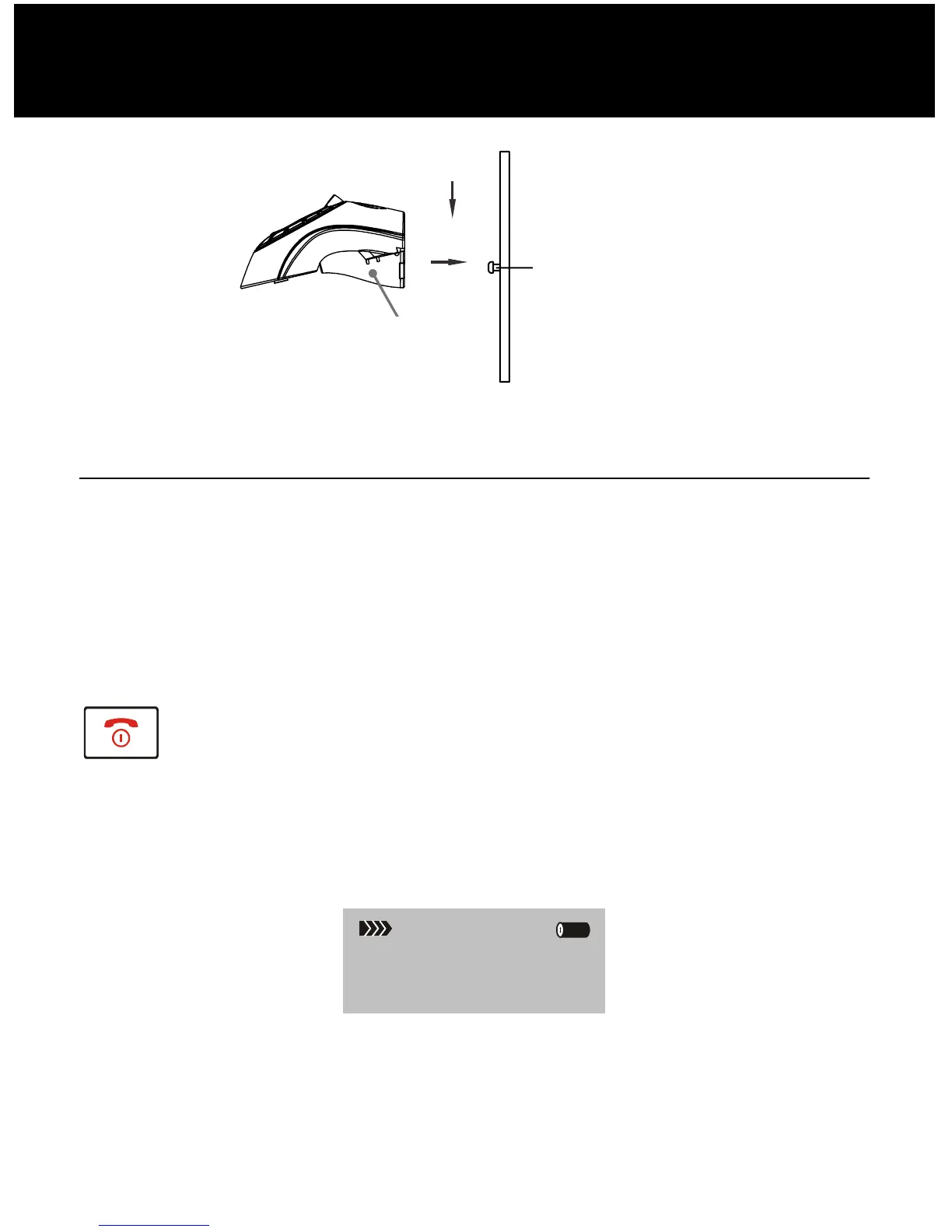
Mounting Pins
HANDSET SETTINGS
Piece of wall
mounting



 To Next Page