14
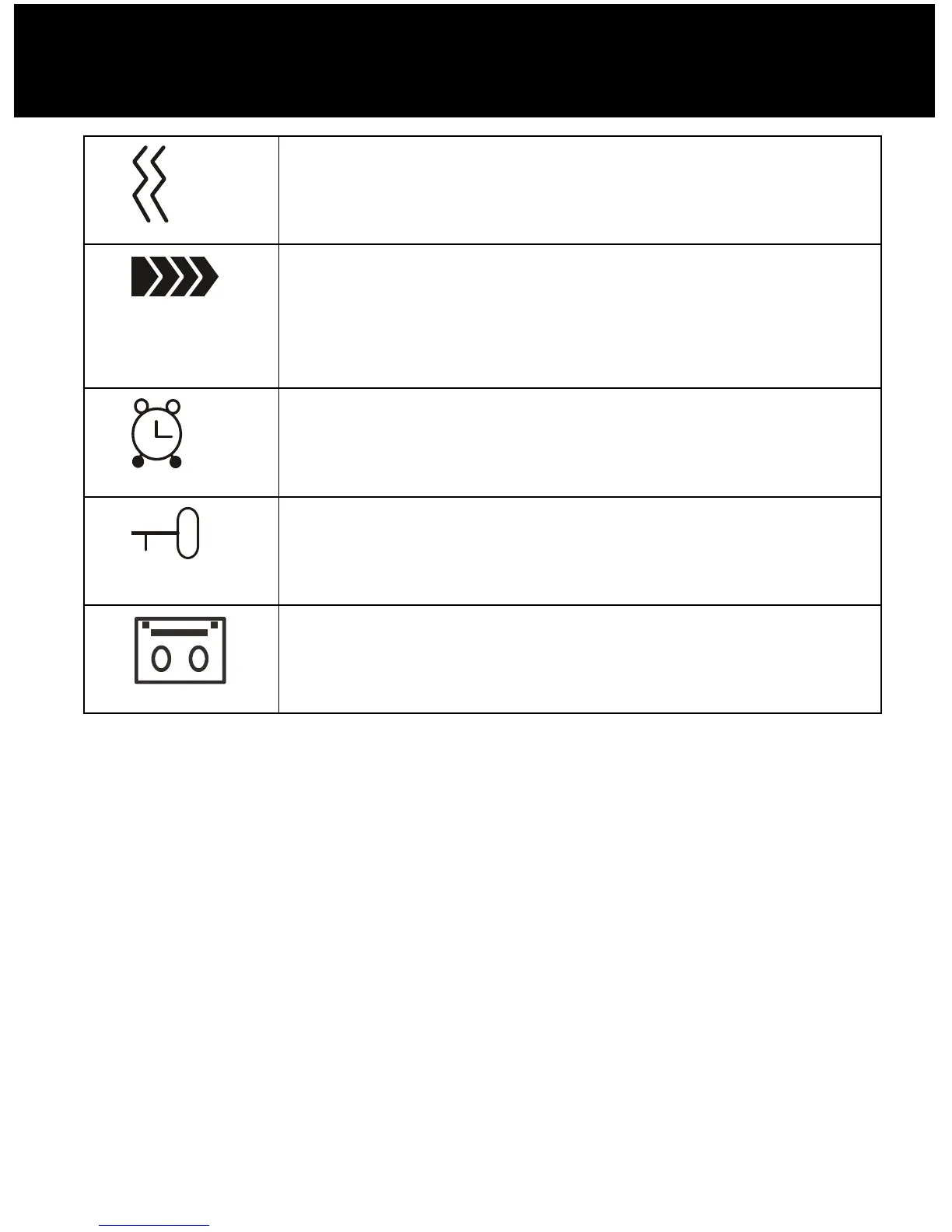
Shaker Icon
Indicates the shaker and visual ringer is
enabled.
Signal Icon
Indicates the current signal strength. If
the handset is too far from the base, this
icon will blink on the LCD.
Alarm Icon
This icon appears when you set an alarm
to ring at a specified time.
Keypad Lock
This icon appears when the keypad is
locked.
ICM Icon (AMPLIDECT285™ only)
This icon appears when you have new
message(s) in your answering machine.
DESCRIPTION



 To Next Page