62
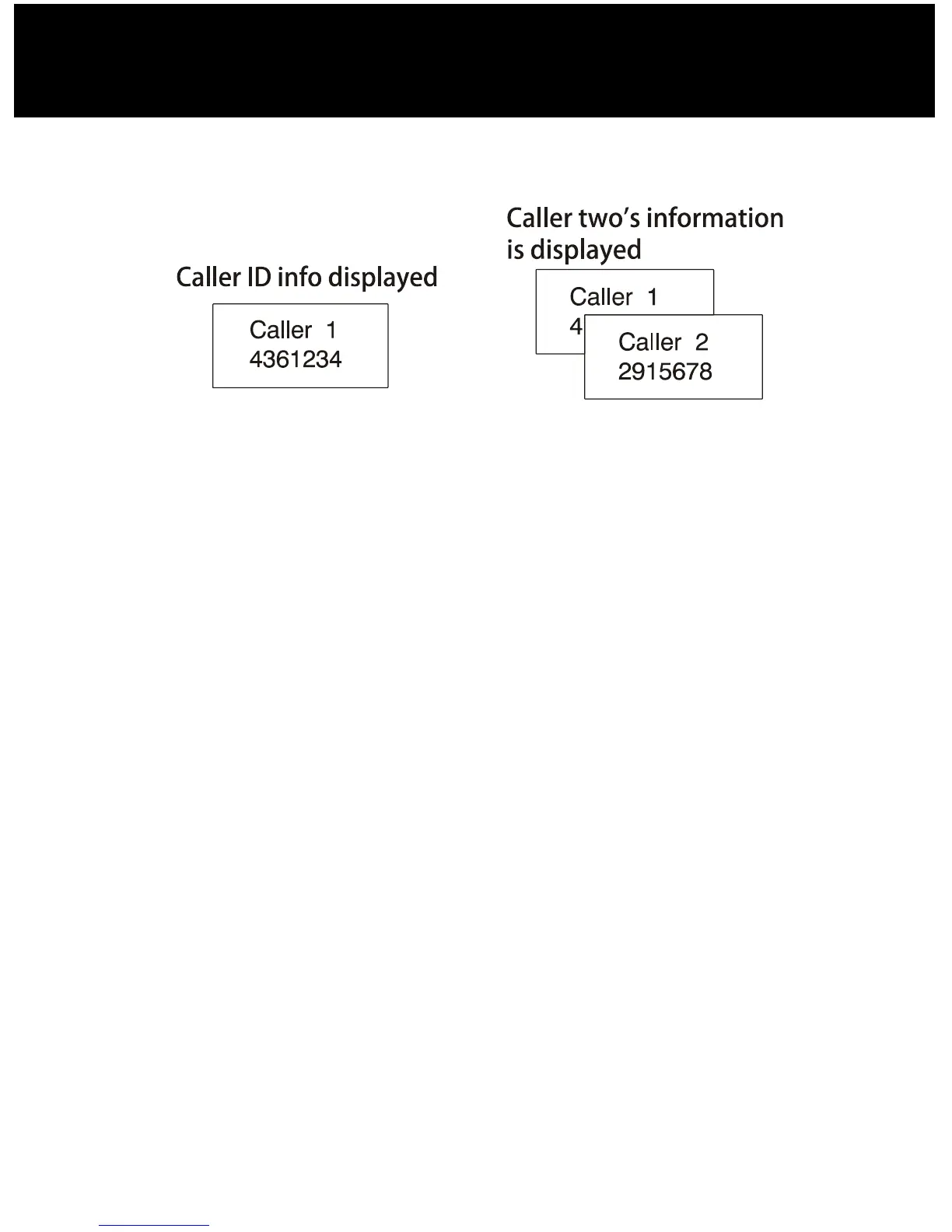
name and number of the second caller while you are
having a conversation.
1.When you are on the line, the telephone will
automatically display the name and number of the
second caller.
2.Press the Flash soft key to answer the second caller.
3.When you have finished, press the Flash soft key to
continue with your conversation with the first caller.
Note:
y If you have transferred an external call to another
handset, you cannot use the call waiting function via
the second handset.
ADVANCED FUNCTIONS



 To Next Page