50
SETTINGS.XML SUMMARY
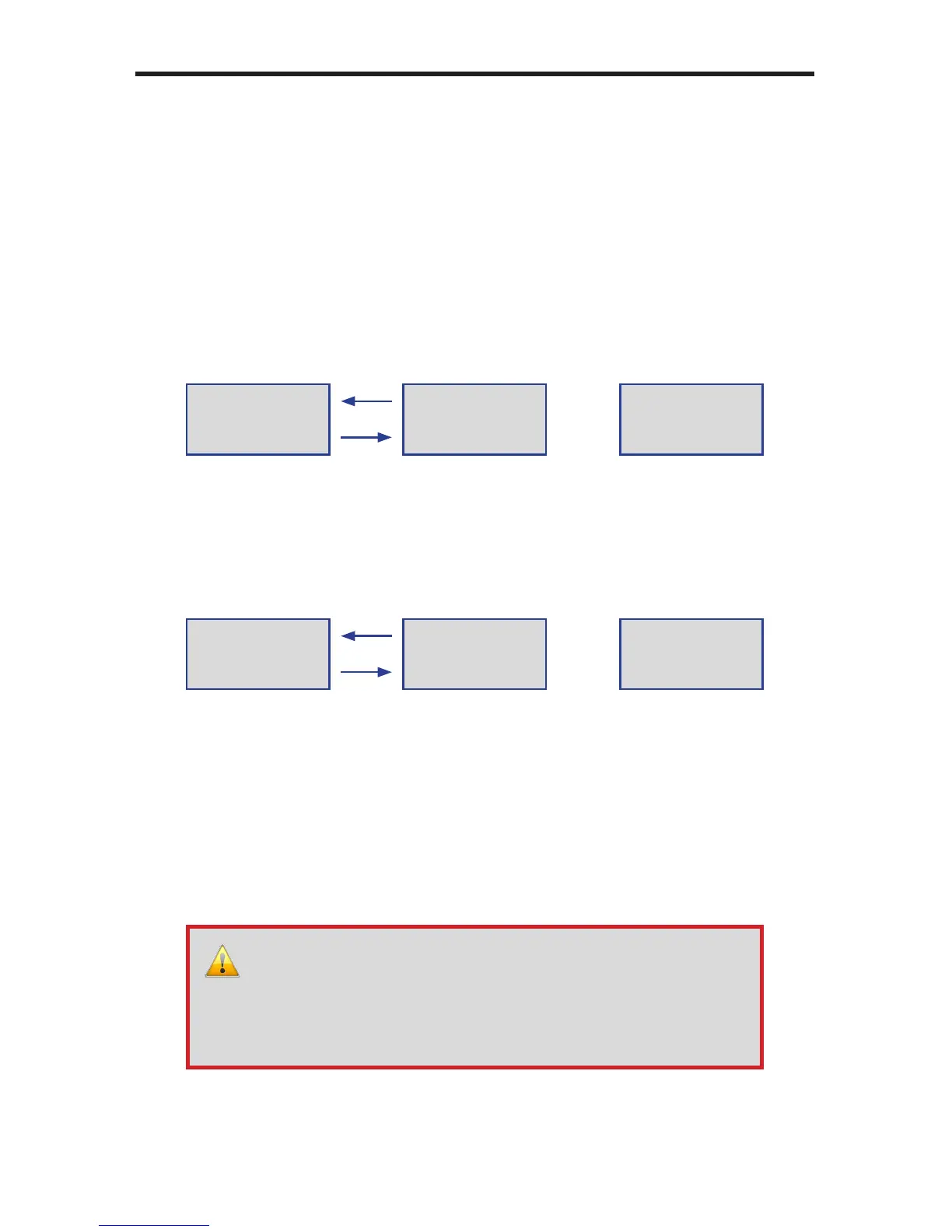
Notes: The syncMedia attribute enables / disables the syncing of
media from the server to the Media Player. The two examples
below illustrate the difference between disabling and enabling
the syncMedia attribute. Note that when the syncMedia
attribute is enabled, the Media player will receive the new
content and erase the current content from the Media Player.
The syncSchedule and syncPlaylist attributes function
in the same manner as the syncMedia attribute. If either of
these attributes are enabled, then the new Schedule le and/or
Playlist(s) will be updated from the server to the Media Player.
The current schedule le and playlist(s) will be replaced with
the new les.
<syncMediavalue=”disable”>
Media Player
(before sync)
Server
Media Player
(after sync)
my_movie1.mov
my_movie2.mp4
my_movie1.mov
my_movie2.mp4
bigmovie10.mp4
bigmovie12.mov
my_movie1.mov
my_movie2.mp4
bigmovie10.mp4
bigmovie12.mov
<syncMediavalue=”enable”>
Media Player
(before sync)
Server
Media Player
(after sync)
my_movie1.mov
my_movie2.mp4
my_movie1.mov
my_movie2.mp4
bigmovie10.mp4
bigmovie12.mov
bigmovie10.mp4
bigmovie12.mov
WARNING: It is not recommended that you change the schedule
lename. The schedule le is referenced within the settings.
xml le. If the schedule lename is changed, then the settings.
xml le must be modied, manually, to reect the new schedule
lename. The syncSchedule does not automatically update the
settings.xml le with a new schedule lename.



 To Next Page