28
CASH REGISTER OPERATION
CASH REGISTER OPERATIONCASH REGISTER OPERATION
CASH REGISTER OPERATION
GENERAL OPERATION
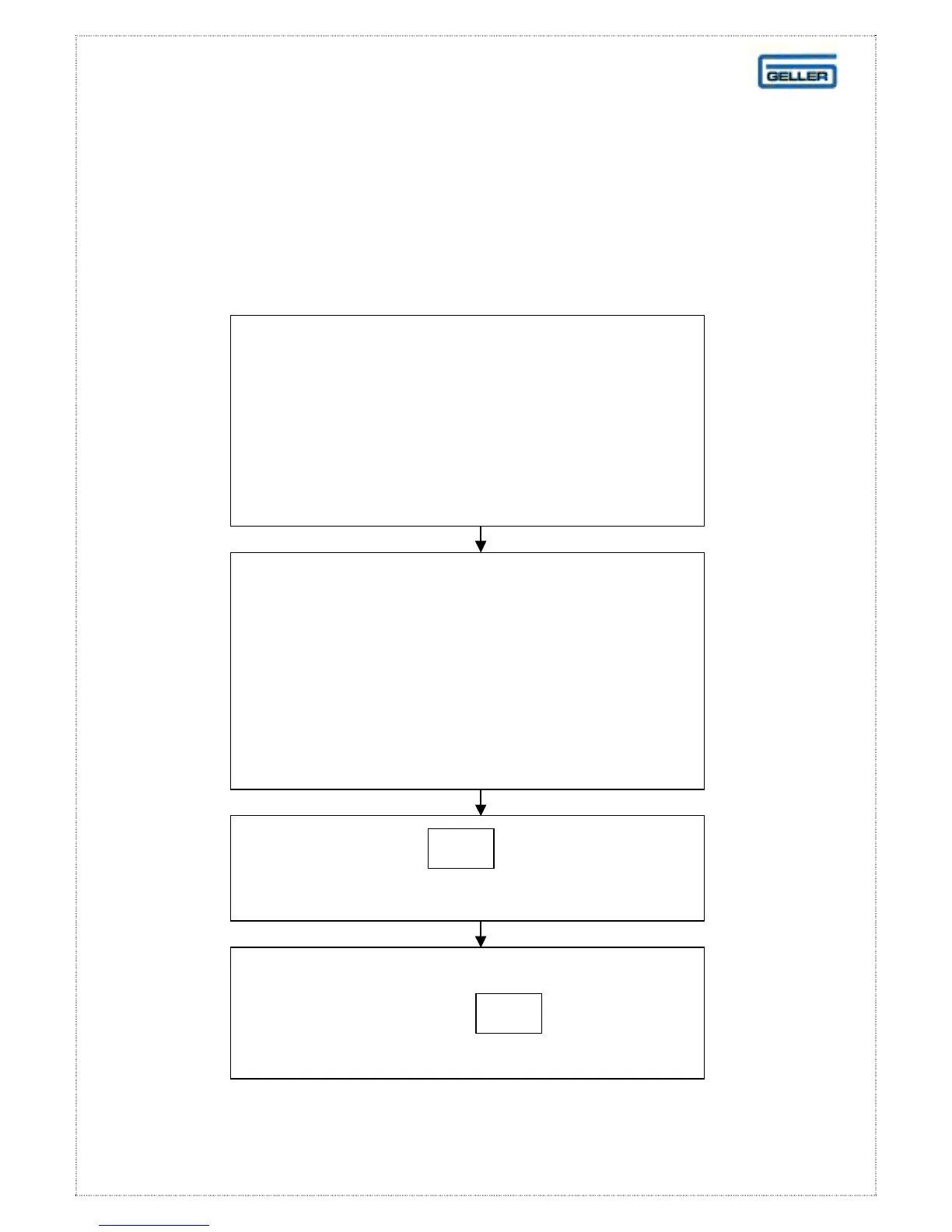
P2 Reset
Should a ‘lock-up’ situation occur,
(where the ECR is rendered inoperable due
to mis-operation in either programming, or
registration
perform a P2 re-set
Turn the ECR OFF at
the main power switch and turn to the
P2 control lock position.
A flag may be set to allow this function in
the ‘R’ position.
Hold down the key and turn
the ET-6800 ON at the main power switch
RF
After five seconds
Release the
key



 To Next Page