31
CASH
CASH CASH
CASH REGISTER OPERATION
REGISTER OPERATION REGISTER OPERATION
REGISTER OPERATION
HOSPITALITY OPERATION
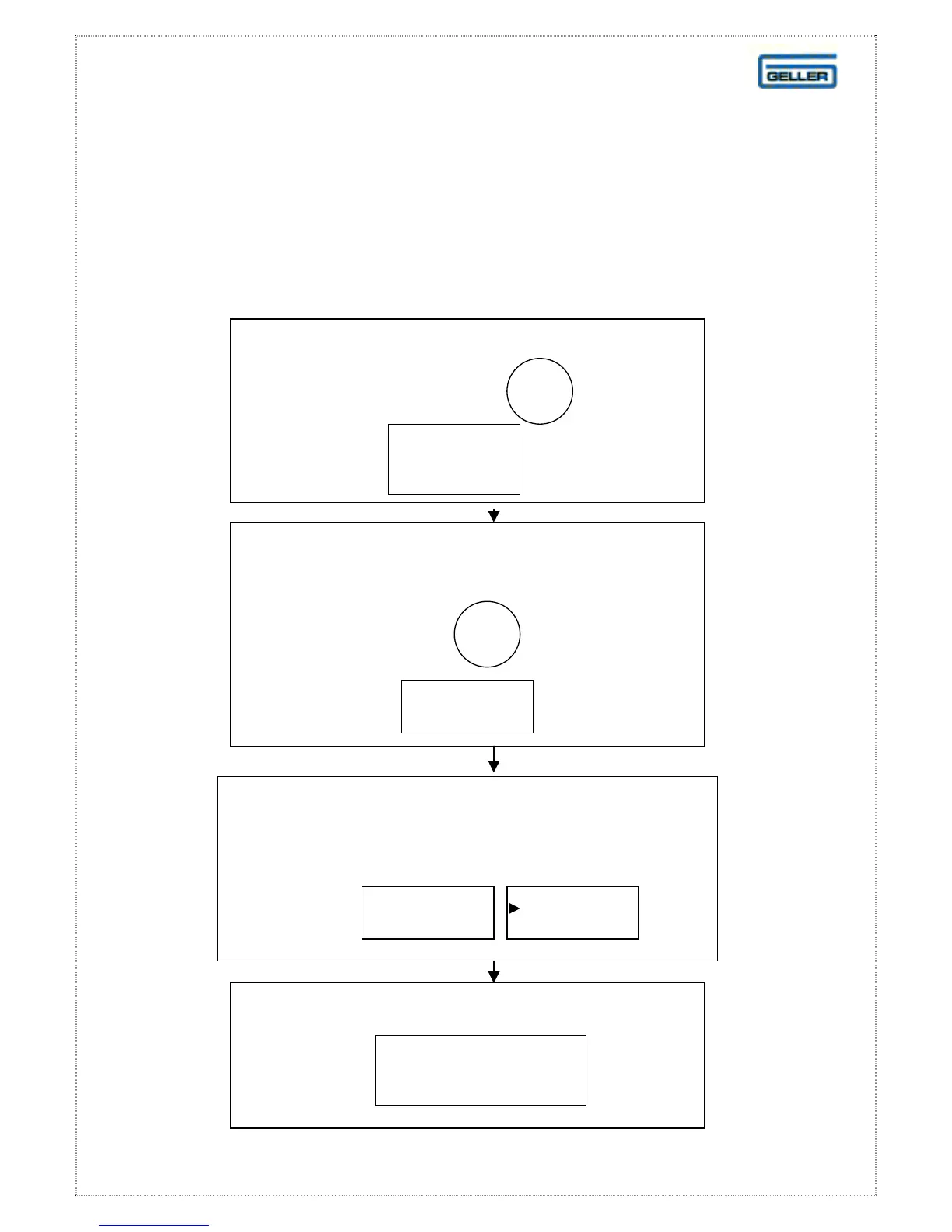
Opening / Storing Tables
The Table is stored with the balance held in memory. It
After signing on a clerk, press the table
number. For example followed
by the button
TABLE
NUMBER
1
If necessary, enter the number of guests by
pressing the appropriate numeric button.
For example followed
by the button
COVERS
4
When the order is completed press
TABLE
START/STORE
Key in the required items
using the product buttons.
For example etc
STEAK
CHICKEN



 To Next Page