49
CASH REGISTER OPERATION
RETAIL SCANNING
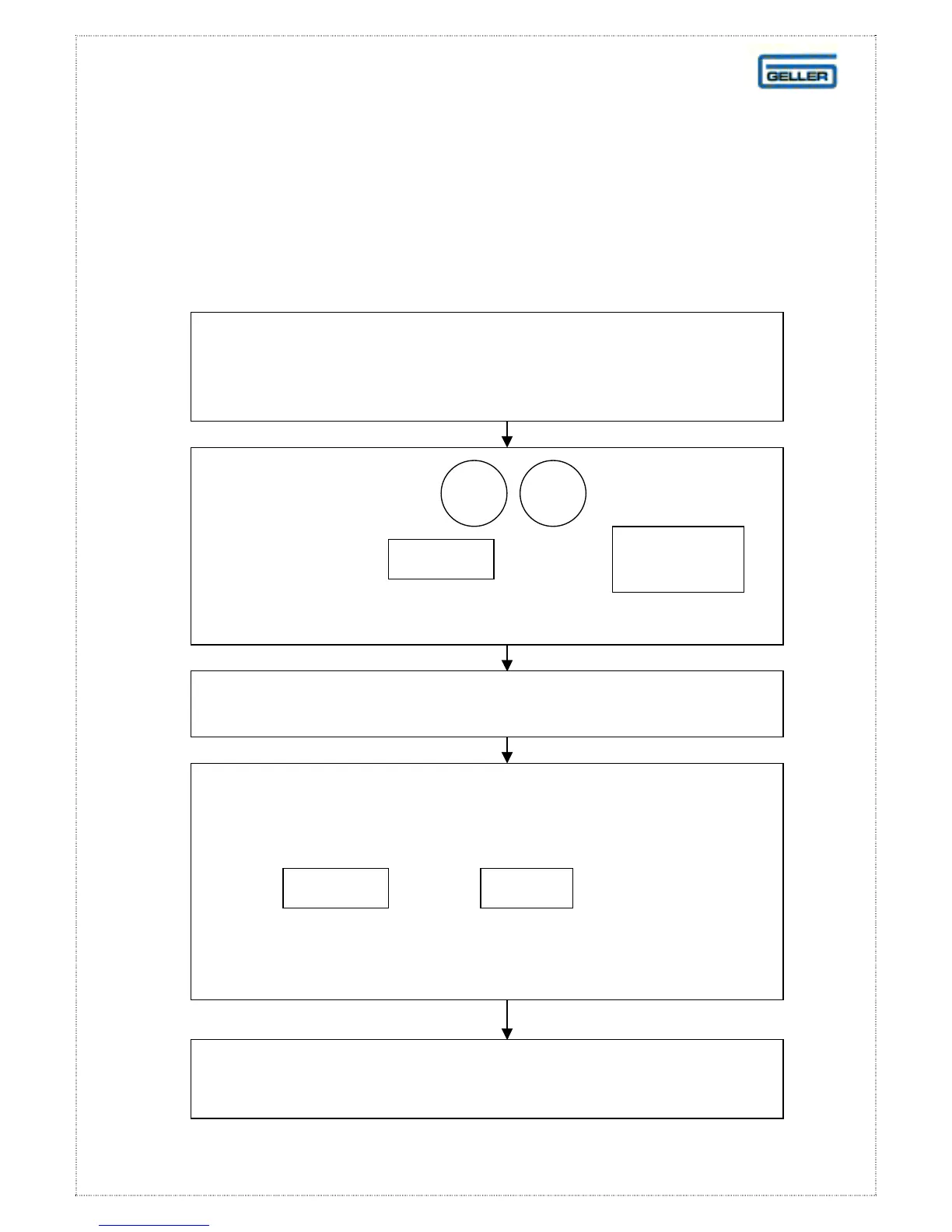
Adding Stock To An Existing Stock Item
When the stock level becomes low
it is possible to add additional stock to this product
Press:
followed by or the
key on the keyboard layout
START
Rec
3
1
Scan the item that requires additional stock
Enter the quantity of the additional stock using the
numeric keyboard
Press: or the key on the
keyboard layout. Scan a new item
and repeat the above procedure if necessary
INPUT
CASH
If you have entered incorrect stock
please see ‘Reducing Stock’ on page 50
REC
ON/OFF



 To Next Page