37
CASH REGISTER OPERATION
CASH REGISTER OPERATIONCASH REGISTER OPERATION
CASH REGISTER OPERATION
RETAIL – SCANNING AN ITEM
If necessary sign on to the ET-
by entering the clerk number
Items previously programmed into the ECR can be sold.
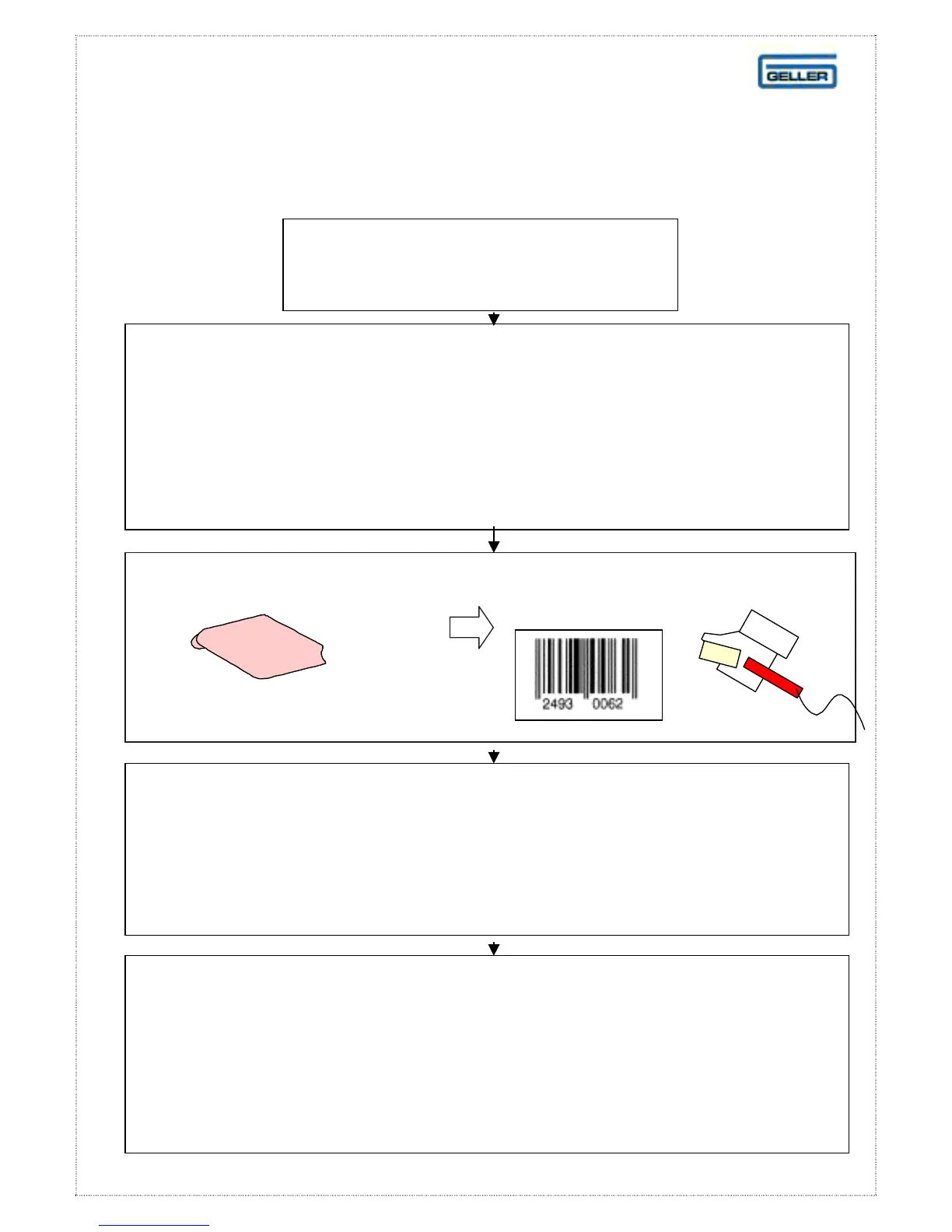
Hold the scanner over the bar code on the product you wish to scan
until a single ‘bleep’ is heard. In the case of a damaged bar code,
the bar code number can be entered manually.
Items entered in this way will appear on reports as named items
within a department or, group. If an unprogrammed item is
scanned, the ET-6800 will prompt the user by displaying the word
Price?
When programmed items are scanned,
the price and description will appear on the display.
Note
: Should you need to enter the barcode manually (unreadable
barcode), enter the barcode number on the keyboard
ITEM
OPERATION



 To Next Page