44
CASH REGISTER OPERATION
RETAIL SCANNING
Adding A New Product Cont..
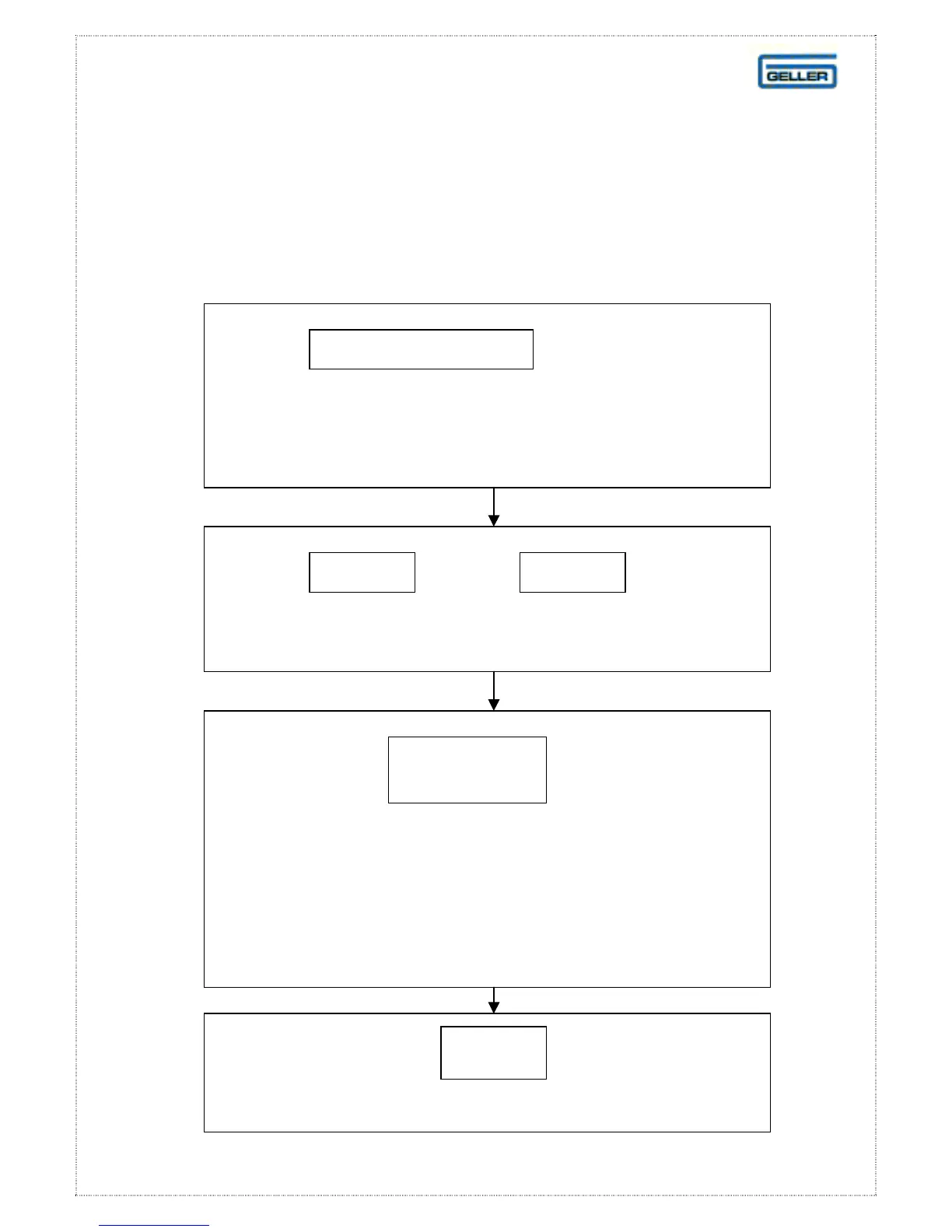
At the prompt, key in th
number of the department (1-99) you wish
to link the new item to
ENTER DEPT NO.
Press: or the key on
the keyboard layout
INPUT
CASH
At the prompt key
Enter in a four-digit number (first two digits is the
supplier, second two digits is the group number)
this information is used in reports
Note: if you wish to skip this step just press CASH
ENTER
GROUP NO.
Press:
on the keyboard layout
CASH



 To Next Page