43
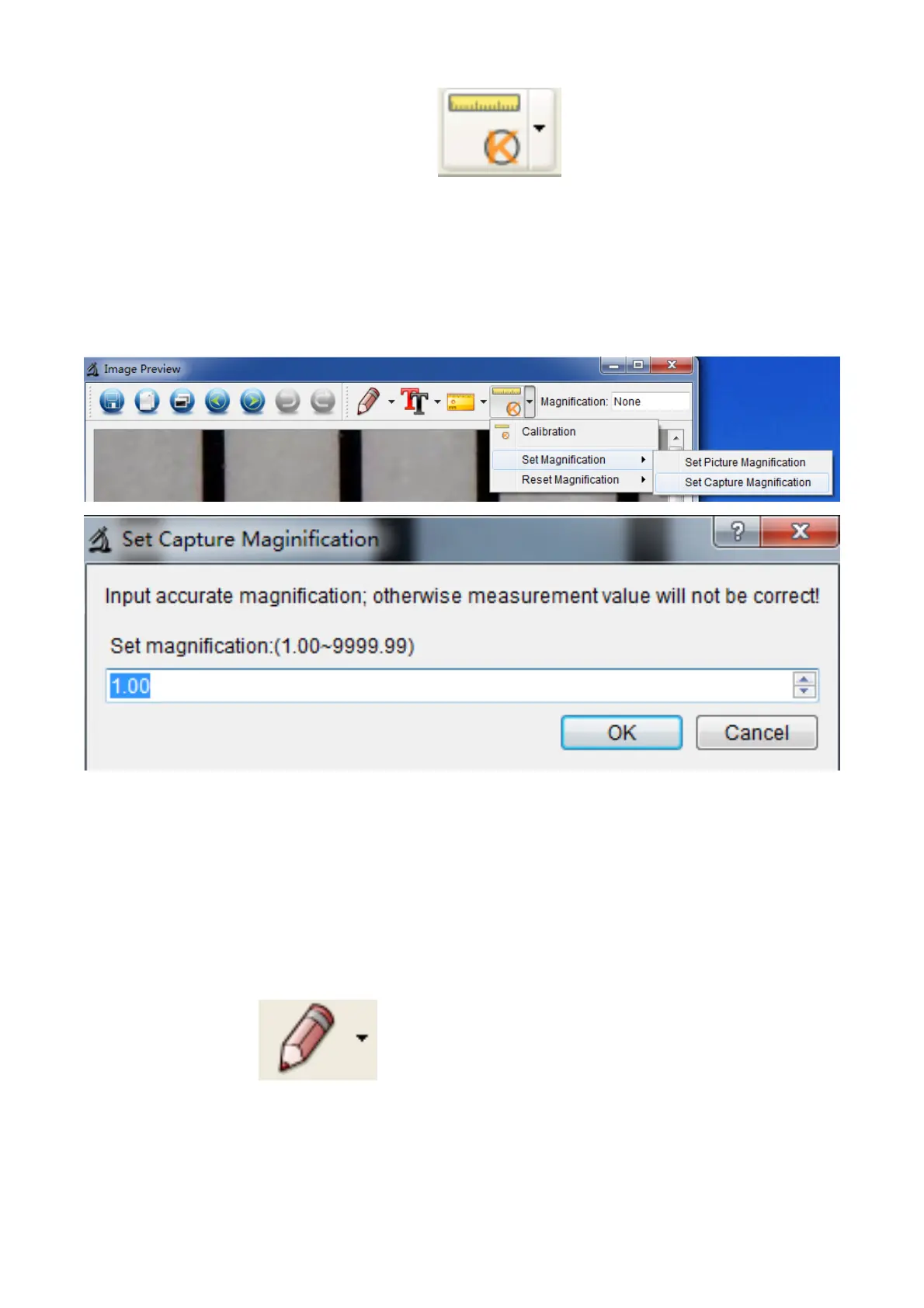
capture pictures, just click ‘ > Set magnification
>Set capture magnification’. Now all pictures will use the
same magnification rate and you can start measurement
directly.
Draw and Text
You can draw or add a text on the picture and save for
later analysis.
1. Click icon to choose any kinds of drawing
under the pull-down manual as below.


 To Next Page