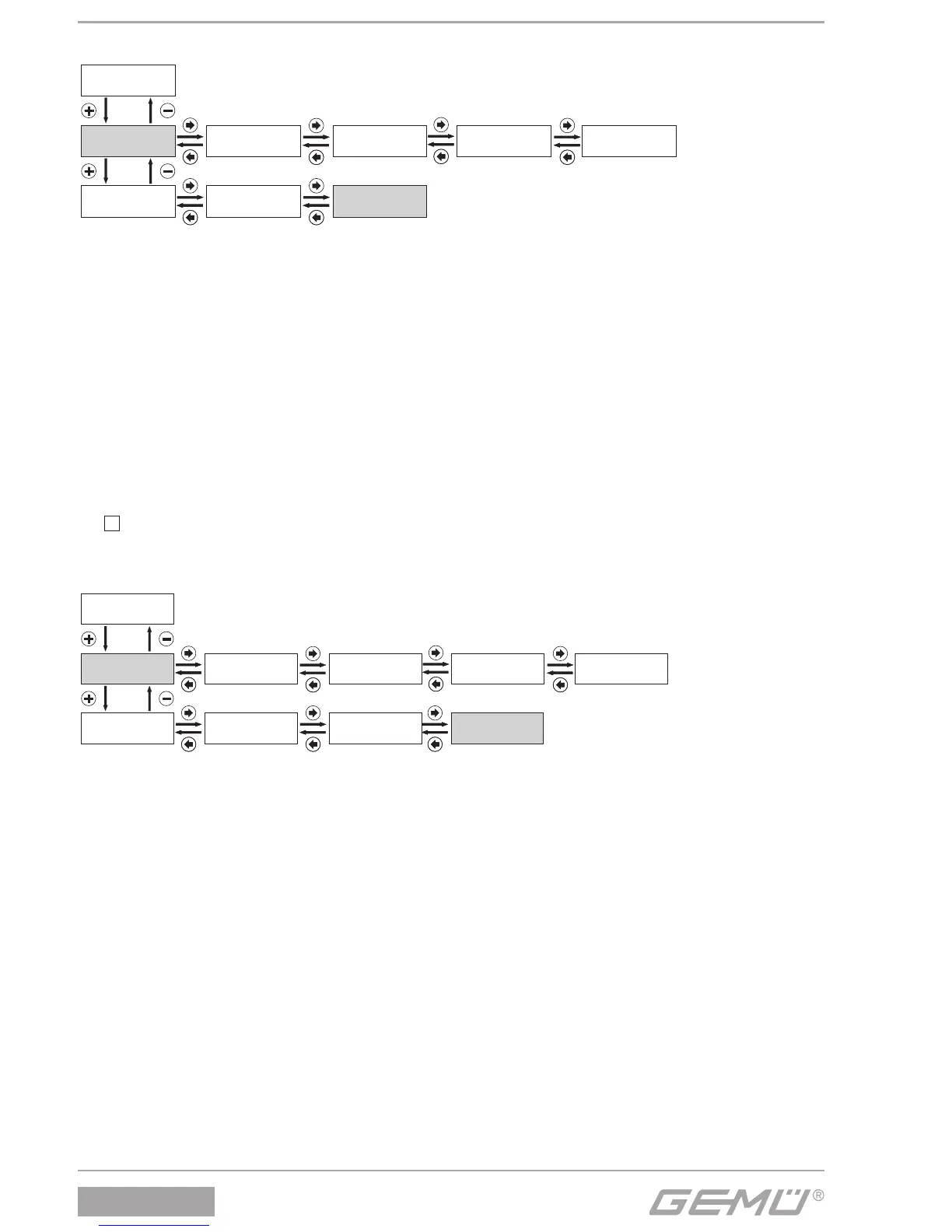
ErrorList:
The positioner stores the last 100 error messages in this menu.
The errors are also stored during operation in the operator interface "
E
Pos".
hrs:
The positioner operating hours are counted here.
Warnings:
The warning messages can be masked or displayed.
The positioner continues normal operation when a warning is given. Messages are stored in Error List.
Errors:
Error messages can be masked or displayed.
The positioner goes to the error mode when there is an error message and moves to the position defi ned under Error Action.
Messages are stored in Error List.
Clear Error List:
Use
+
to delete the positioner error list.
11.1.4 Display serial number, software version and enter TAG no.
V:X.X.X.X:
Displays the current software release.
S /N:
Displays the positioner serial number.
TAG1:
An 11-digit TAG number can be entered for identifi cation of the positioner.
TAG2:
An 11-digit TAG number can be entered for identifi cation of the positioner.


 To Next Page