6
3.0 Screen and Functions
Turn on your Genesis Centauri dive computer by pressing and holding the Power Button for 3 seconds.
Release the button when you see the Genesis logo appear on the screen. The logo will remain for 3
seconds and will revert to the normal time screen.
While on the main time screen, press the Mode/Select Button once and the Main Menu screen will
show up.
A small triangle or pointer will indicate the particular function within that menu.
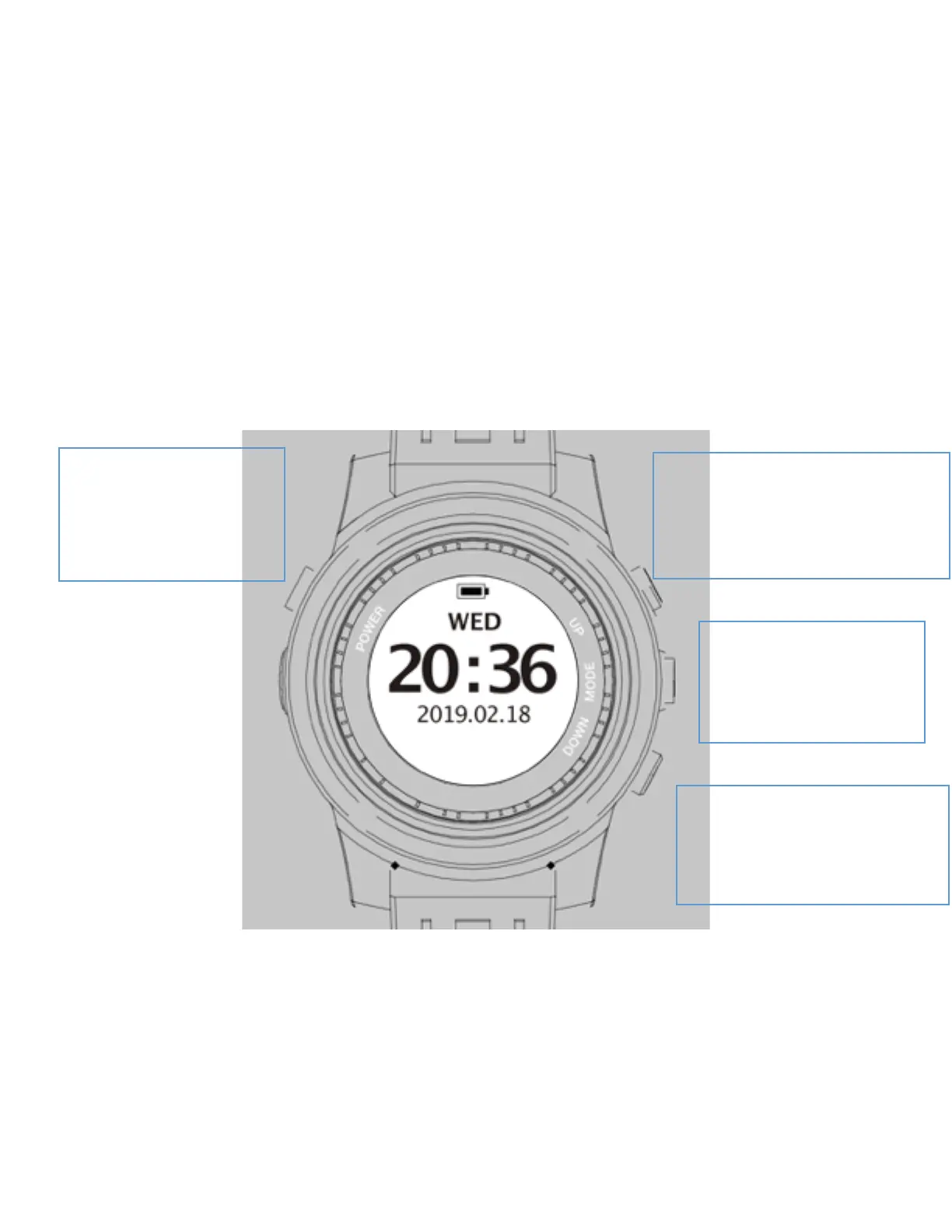
Move the pointer up or down using the Up Button or the Down Button described on the figure below
and choose the particular function using the Select Button.
Name: POWER Button
Location: Top Left
Function: Power Switch/Exit
Name: UP Button
Location: Top Right
Function: Moves pointer up /Access
more settings.
Name: MODE/ SELECT Button
Location: Right Middle
Function: Menu / Enter Value
Name: DOWN Button
Location: Down Left
Function: Moves pointer down



 To Next Page