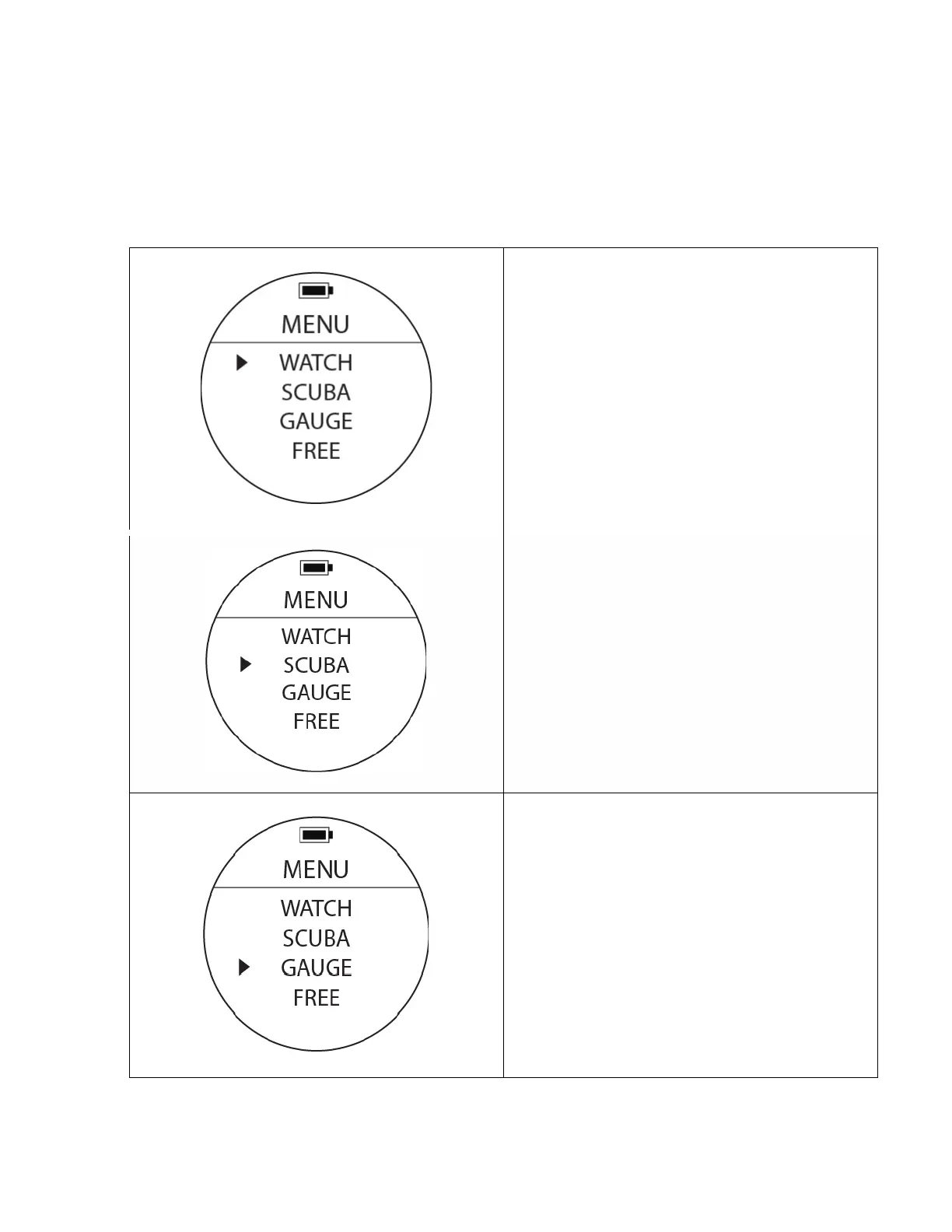
Scuba Mode
To Access: From MENU, move cursor with UP or
DOWN buttons to position at SCUBA. Press the
MODE button once: The surface Dive Screen will
appear. The default screen is 6 fields. An optional 3
field screen for added visibility is available.
Gauge Mode
To Access: From MENU, move cursor with UP or
DOWN buttons to position at GAUGE. Press the
MODE button once to access the Gauge mode. The
Gauge mode will show on the screen. In this
modality the watch will turn into a ‘bottom timer’
providing only depth and time information. It will
not provide NDL and decompression information.



 To Next Page