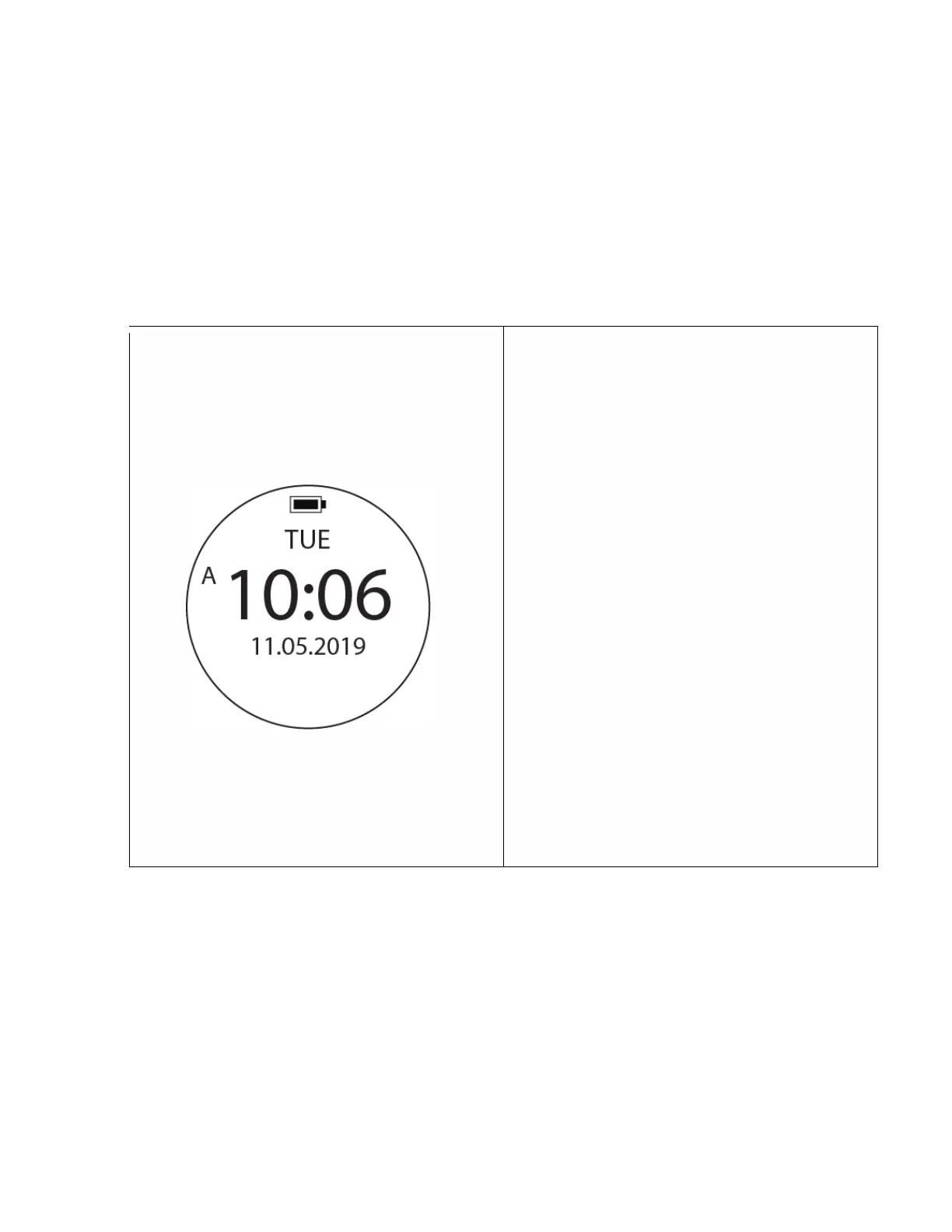
Default screen when computer turns on. Displays
day of the week, current time and calendar date.
To access: Press Power Button (Top left button), or
choose the watch mode from the menu.
Events during this function:
1. When the computer is not being used or the G-
sensor does not sense movement, the
computer will enter into standby mode (blank
screen). When the computer is not used for a
longer period of time (24 hrs.) it will enter into
hibernation status for better battery
management.
2. Under the standby mode, you may wake up the
device by twisting it about 45 degrees to
activate the g-sensor, or press any button. If
you dive into the water, it will switch on to the
dive mode at 1.5 m (4 ft.).
3. Under the hibernation mode, you can only turn
on the device by pressing the power button. All
the settings and data will remain in the
memory.
4. It is advisable to always check your device
before your dive.



 To Next Page