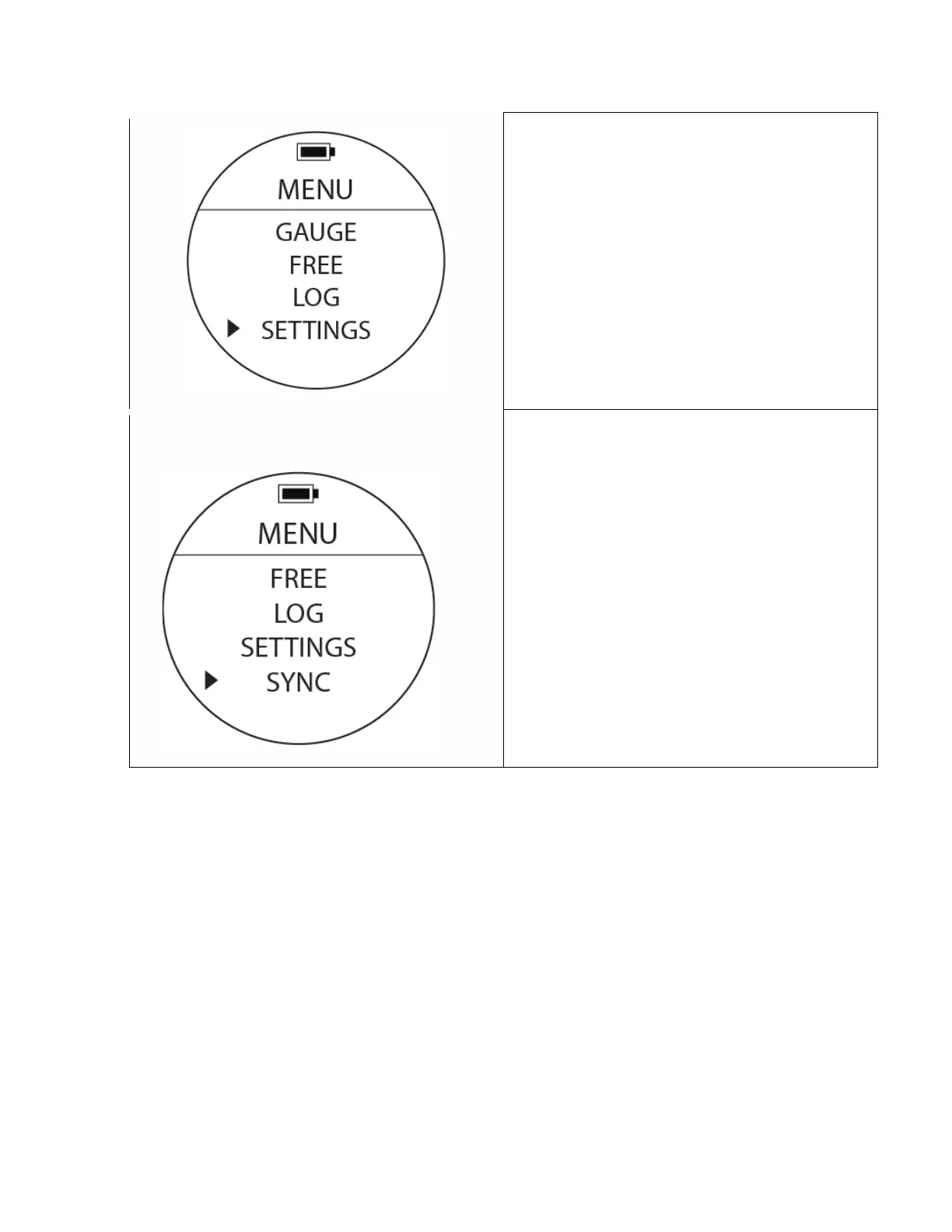
Settings
To Access: From MENU, move the cursor with UP or
DOWN buttons to position at SETTINGS. Press the
MODE button once. Additional setting options can
be found here.
Once inside the SETTINGS sub-menu ,use the UP /
DOWN buttons to see the different setting options.
Sync Mode
To Access: From MENU, move cursor with UP or
DOWN buttons to position at SYNC. Press the
MODE button once.
This function will activate the wireless sync
transmission. The watch will broadcast a
Bluetooth signal as long as it is turned on and the
screen icon shows a blinking dotted line.
During transmission, the signal will be visible by
Bluetooth capable devices.



 To Next Page