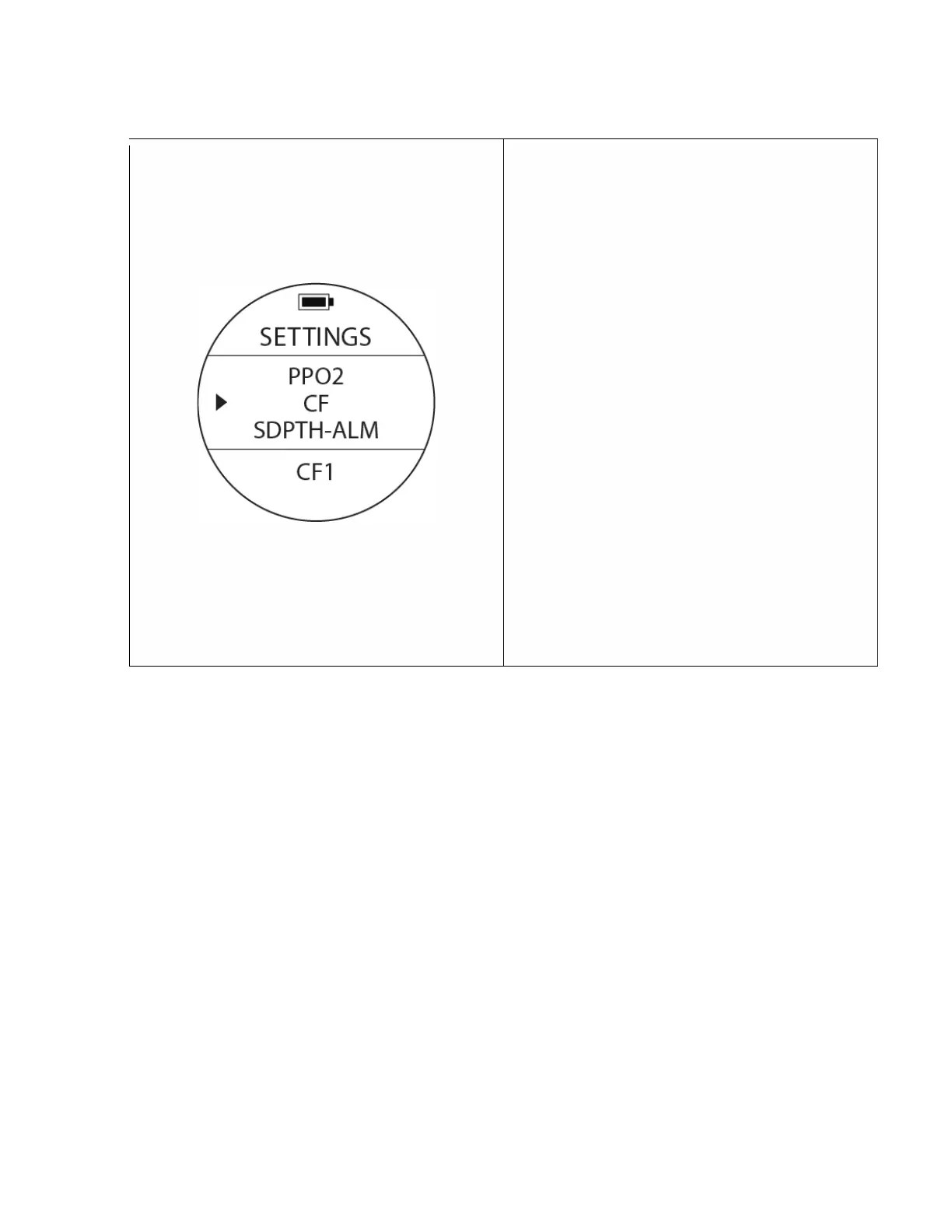
Conservative Factor Settings
To access: From SETTINGS, press the UP or DOWN
buttons until the pointer aligns with CF. Press the
MODE button once.
The CF value at the bottom of the screen will start
blinking. Switch the option with the UP or DOWN
buttons & once the desired CF option appears
select it by pressing the MODE button once to
accept the value. The computer will recalculate
and present the NDL values corresponding with
the pre-set conservative value you enter.
There are 3 CF levels, CF1 (Most Conservative),
CF2 (Medium Conservative), and CF3 (Least
Conservative)
Notes : Please make sure you fully understand that
changing this settings will affect algorithm
calculations and the related risks. If in doubt,
consult your diving manual on the corresponding
chapters related to Diving Physiology and
Computer Diving.



 To Next Page