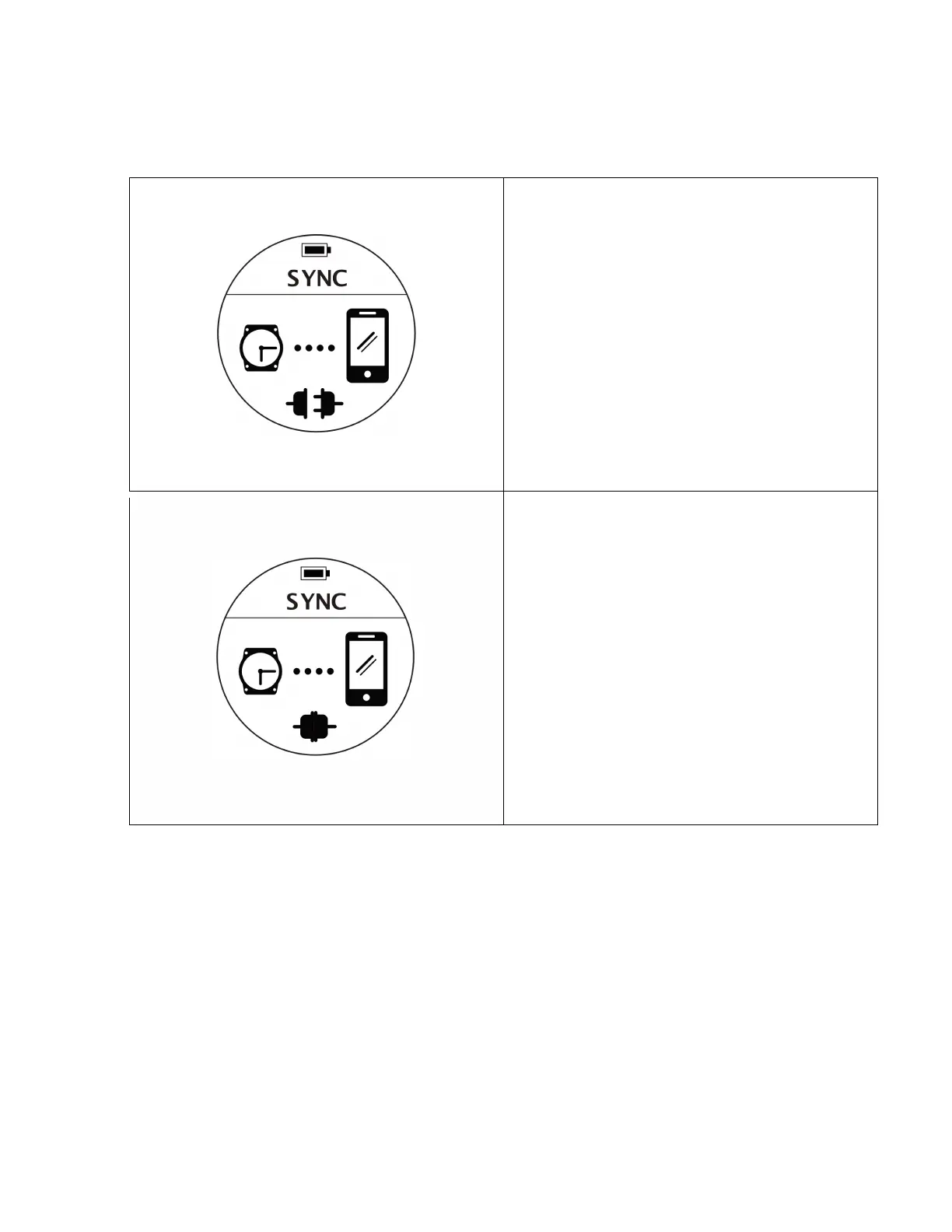
Description: Waiting For Connection
Enter: From the Menu -> SYNC
Notes:
1. You may enter the sync mode on the dive
computer first and operate the rest of the
process from your device App.
2. The computer will automatically go back to
watch mode if there’s no connection in few
minutes.
Description: Connected
Enter: From the Menu -> SYNC
Notes:
1. Indicates that a Bluetooth connection has been
established and information can be transferred.
Once information transfer is completed you may
exit any APP that is connected to the computer.
Once your device is disconnected, the computer
will go back to the waiting for connection status.



 To Next Page