14
6.0 Scuba Mode
Scuba Mode
To access: From the Main Menu, scroll down using
the UP / DOWN buttons. When pointer aligns with
SCUBA press the MODE button once.
The watch will display the scuba diving surface
screen. Either the 6 field version or the 3 field
version.
6.1 Scuba Underwater Mode – Screen Examples
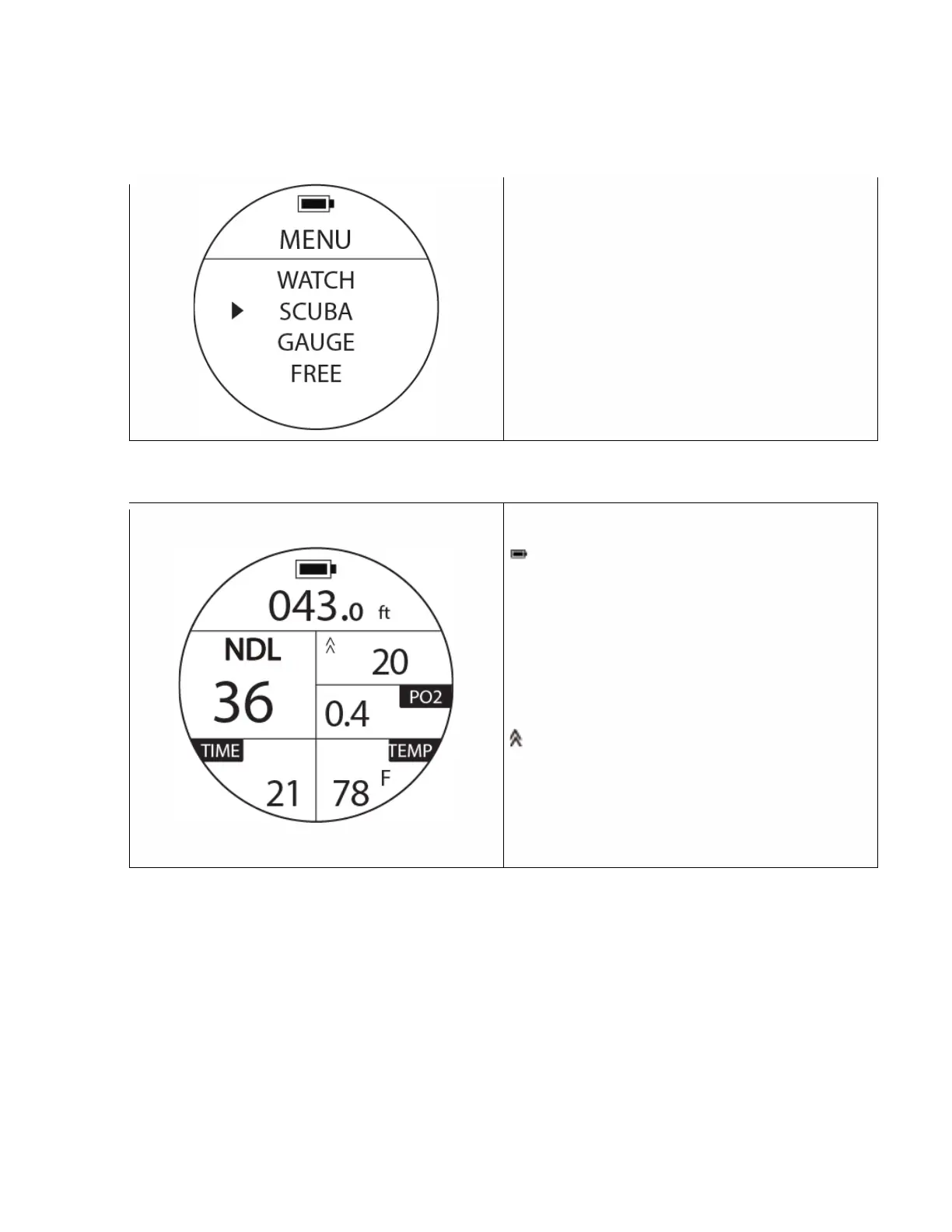
Scuba Under Water Mode example
: Battery Status, full
43.0 ft: Current Depth
NDL36: The No-Decompression Limit time in the
example, 36 minutes.
PO2: Current PO2, Alarm will activate when
reaching the pre-set limit.
:Ascent speed in feet/min. If speed of 30 ft
/minute is exceeded, an alarm will go off.
TIME: Dive time 21 minutes.
TEMP:Water temperature 78 ° F.



 To Next Page