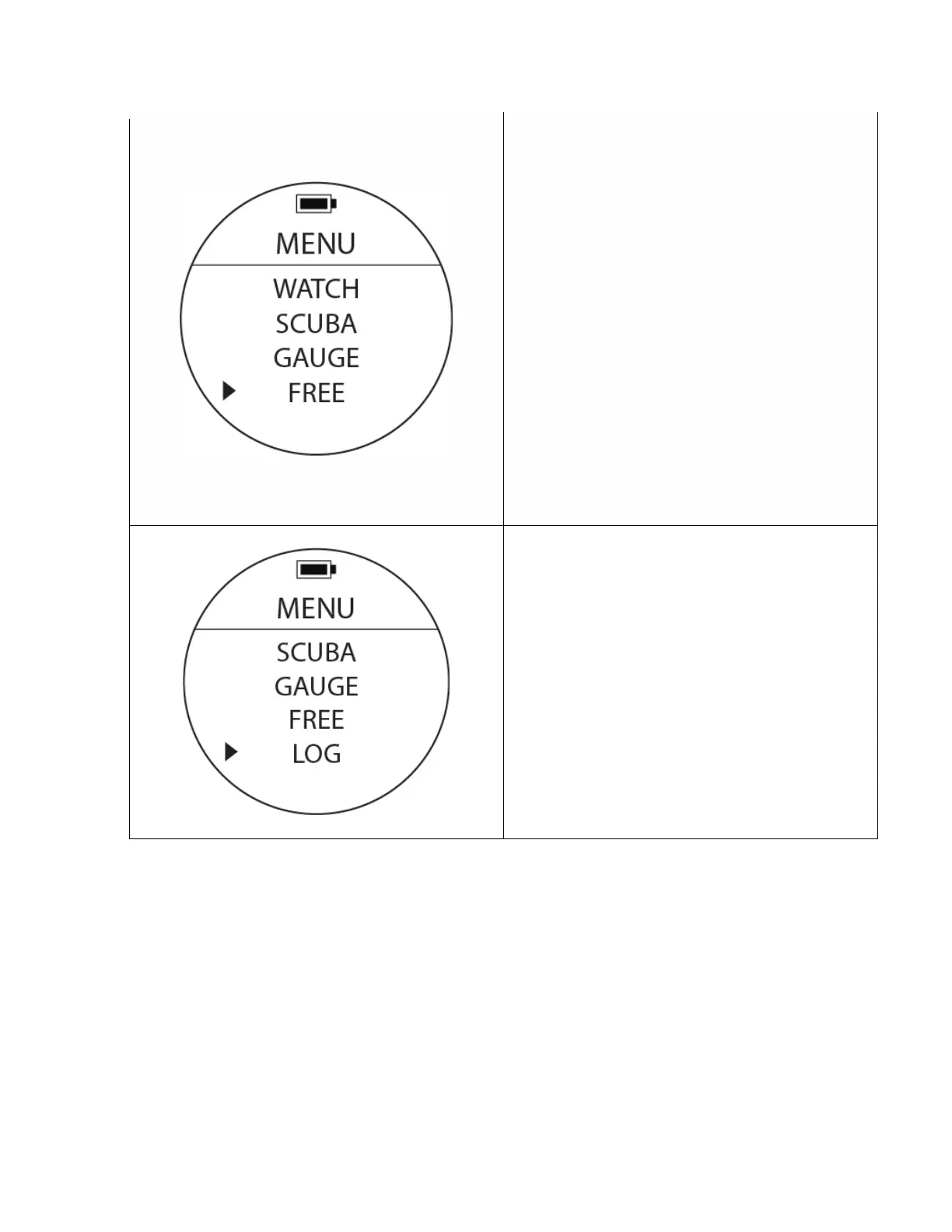
FREE Mode (Free Dive)
To Access: From MENU, move cursor with UP or
DOWN buttons to position at FREE. Press the MODE
button once to access the Free Diving mode on the
watch. The FREE mode is commonly used by free
divers during breath-holding (apnea) type dives.
The computer will only provide a surface timer,
depth, maximum depth and total descent / ascent
timer.
CAUTION: Make sure you do not practice free
diving (breath holding type dives) on the same days
you are performing scuba dives as the risk of
decompression sickness will be much higher.
Dive Log
To access: From MENU, move the cursor with UP or
DOWN buttons to position at LOG. Press the MODE
button once to access the computer’s Log Book.
Once inside that sub-menu, use the UP or DOWN
buttons to access the different dives stored in the
memory. They are stored in order by date.



 To Next Page