10
Connecting the FiberTwist
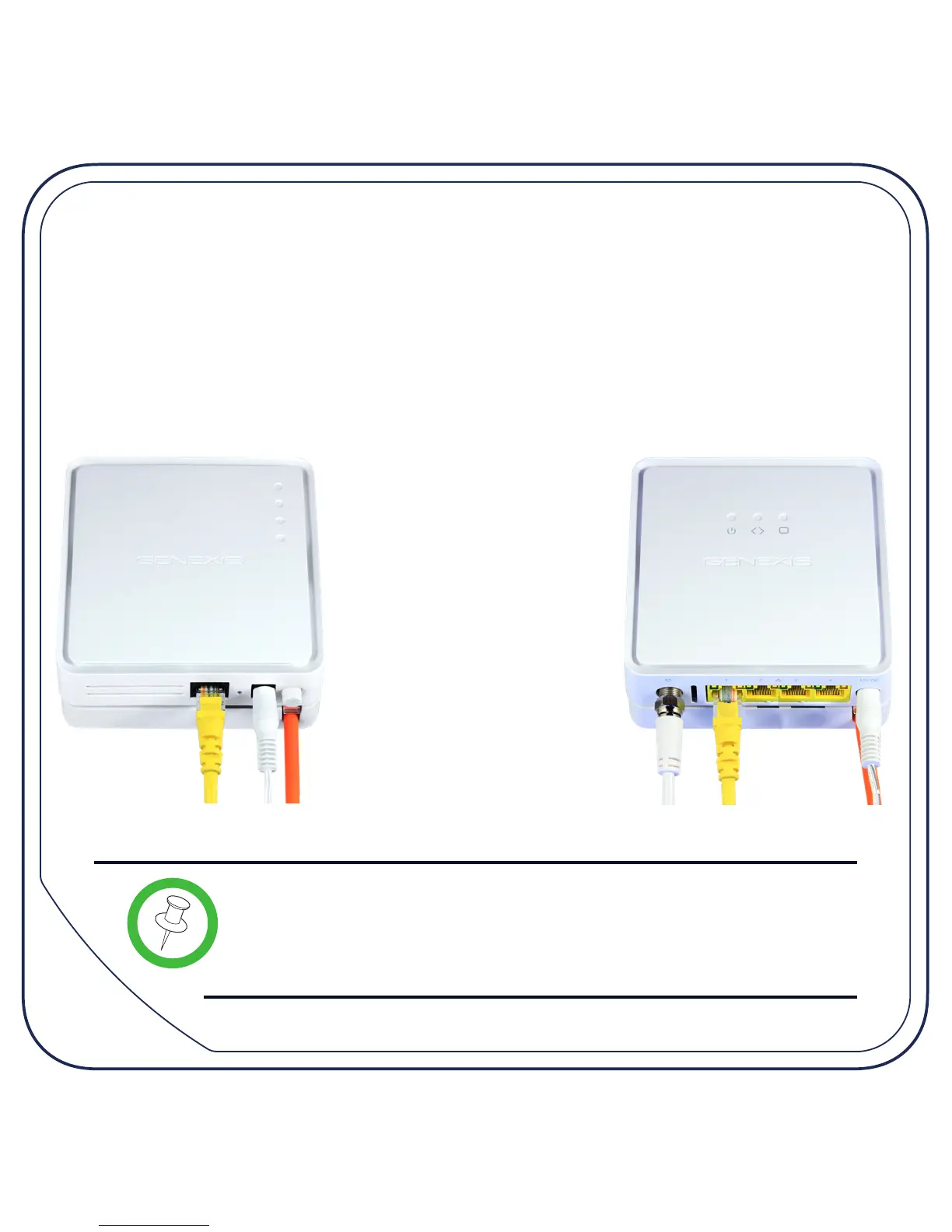
Connect a CATV and LAN cable as required.
Connect the supplied power adaptor to the FiberTwist and then plug the
adaptor into a power socket. If your FiberTwist has a power button (as shown
on page 5) push the button in to turn the device on.
Note: If at some point in the future it becomes necessary
to uninstall the FiberTwist, please place the blind cover
back on the FTU immediately and put the dust cap back
on the FiberTwist.


 To Next Page